6
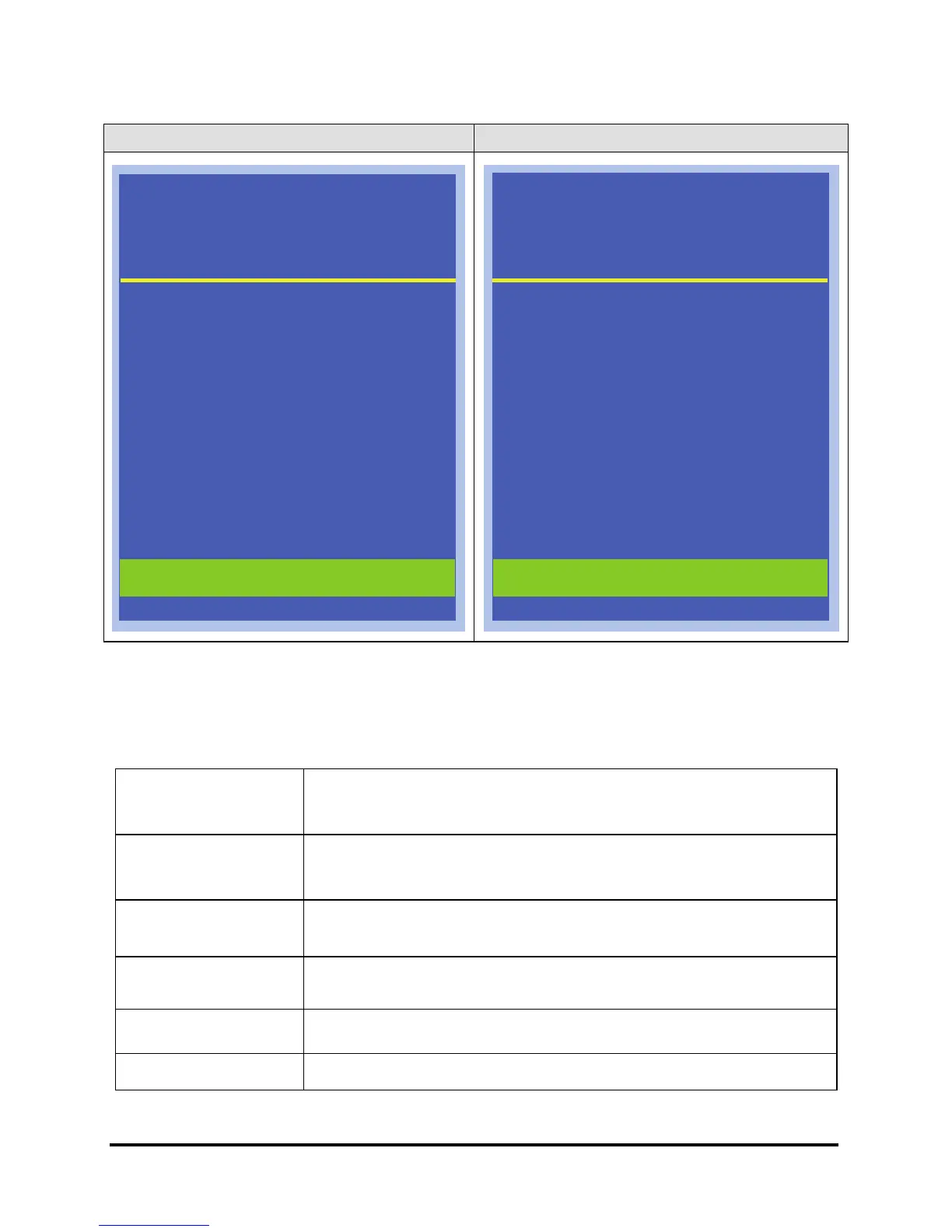
VGA & DVI mode: VIDEO & S-VIDEO mode:
Figure 2-2: The OSD Main Menu
The Monitor-Control Option
The Monitor-Control option allows you to adjust the LCD monitor’s display
characteristics.
BRIGHTNESS
Use the “-” and “+” buttons to adjust the light level on the LCD
monitor’s display screen. It should be adjusted in conjunction
with the Contrast item.
CONTRAST
Use the “-” and “+” buttons to adjust the difference between
the lightest and darkest areas of the LCD monitor’s display
screen.
H-POSITION
Use the “-” and “+” buttons to move the LCD monitor’s display
left or right on a horizontal plane.
V- POSITION
Use the “-” and “+” buttons to move the LCD monitor’s display
up or down on a vertical plane.
AUTO-ADJUST
Use the “MENU” buttons to apply the automatic monitor
settings.
Color Temperature Adjust the color temperature.
MAIN MENU
RESOLUTION : 1024X768
H-SYNC : - 48.3KHz
V-SYNC : - 60.0Hz
BRIGHTNESS
CONTRAST
H-POSITION
V-POSITION
AUTO ADJUST
COLOR TEMPERATURE
OSD ADJUST
LANGUAGE
AUDIO VOLUME
INPUT SELECT
RESET
EXIT
MAIN MENU
VIDEO MODE : NTSC-M
V-SYNC : 60.0Hz
BRIGHTNESS
CONTRAST
COLOR
HUE
SHARPNESS
OSD ADJUST
LANGUAGE
AUDIO VOLUME
INPUT SELECT
RESET
EXIT



 To Next Page