1
CHAPTER 1
The LCD Monitor
Unpacking
After you unpack your LCD Monitor; make sure the following items are included in the
box and in good condition:
• LCD multimedia Monitor
• Monitor-to-PC Analog signal cable (15-pin)
• Monitor-to-PC Digital signal cable (24-pin) (19” Only)
• Stereo Jack Audio Cable
• Power cord
• User’s manual
• RCA-to-BNC adaptor
If you find that any of these items are missing or appear damaged, contact your dealer
immediately. Do not throw away the packing material or shipping carton in case you
need to ship or store the LCD Monitor in the future.
Identifying Components
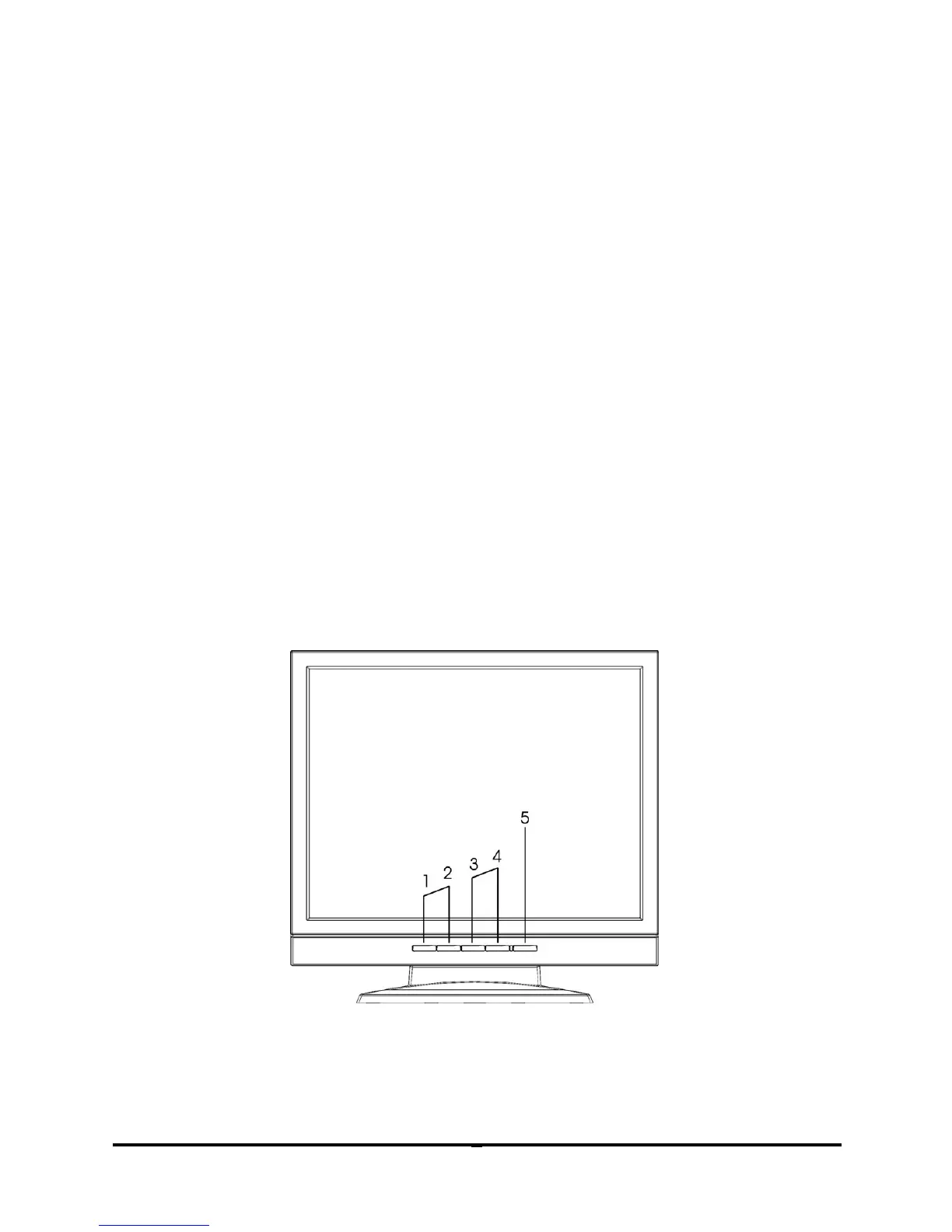
Hot-Key Buttons for Quick Adjustment of Monitor Settings
Figure 1-1: Hot-Key buttons
“Channel select” button:
Press button “1” to select input source of display.



 To Next Page