4
Adjusting the Viewing Angle
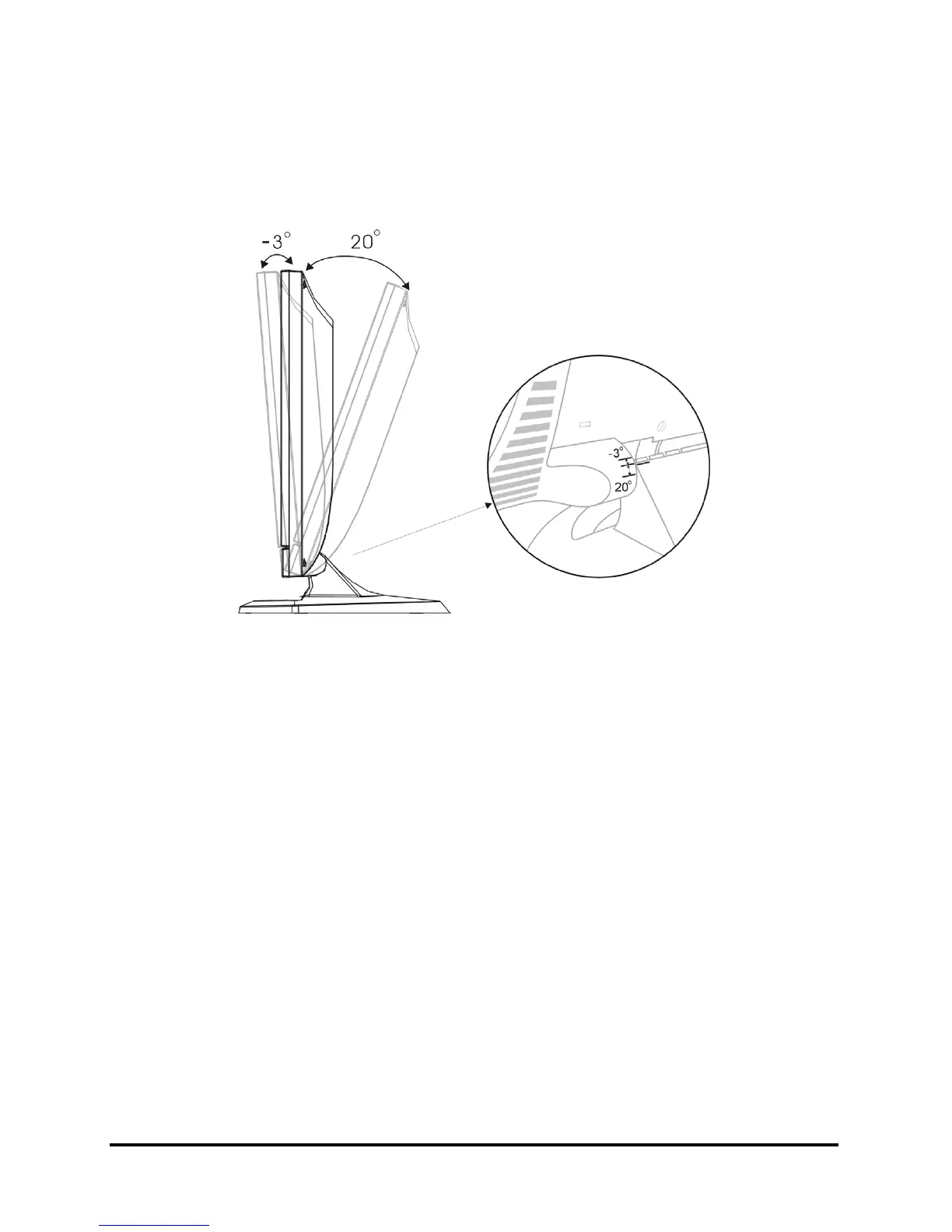
The LCD Monitor’s vertical angle setting range is from -3° to 20°. Please see
Figure 1-3.
Figure 1-3: Angle Settings
Power Management System
The LCD Monitor complies with the VESA DPMS (version 1.0p) power management
proposal. The VESA DPMS proposal provides four phases of power saving modes by
detecting the horizontal or vertical sync signal.
When the LCD Monitor is in power saving mode or detects an incorrect timing, the
Monitor screen will go blank and the power LED indicator will start to blink.



 To Next Page