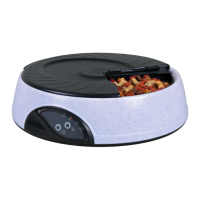
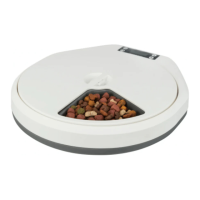
Need help?
Do you have a question about the Trixie TX4 Plus and is the answer not in the manual?
Insert batteries into the compartment and switch on the main switch for a test run.
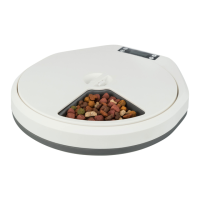
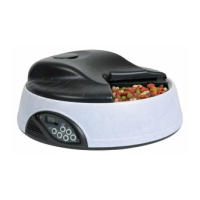
Fill bowls according to mealtimes, removing lids carefully. Avoid overfilling the food bowls.
Replace lids sequentially, ensuring each part clicks securely into place after filling.
Remove the upper lid if the top compartment is used for water access.
Place ice packs or cubes in the top compartment to keep food cool if not used for water.
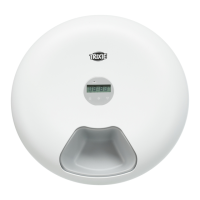
Set the current time using SET and MODE buttons, choosing between 12/24 hour format.
Program up to four mealtimes by selecting the hour using SET and MODE buttons.
Choose between 4 daily meals, 2 meals over 2 days, or 1 meal over 4 days.
Record and play back a personal voice message using the REC and PLAY buttons.
Initiate feeding immediately (START NOW) or for the next day (START TOM).
 General
| Product Type | Automatic Pet Feeder |
|---|---|
| Brand | Trixie |
| Model | TX4 Plus |
| Programmable | Yes |
| Material | Plastic |
| Recommended for | Cats and Small Dogs |
| Power supply | Batteries |
| Color | White |

 To Next Page