12
TROT TRACKER
Trot Tracker have automatic functions. Some of this are
possible to change setting on in the Medio Time Setting
menu.
You can enter the Medio Time Setting Menu from the nor-
mal mode by holding down button 3 until “release button” is
shown in the display.
Medio Time Setting Menu.
Button 1 and button 3 chooses witch display angle you
want.
Button 2 Chooses what speed you want saving and
mediotime to work from. This is shown in the bottom of the
display.
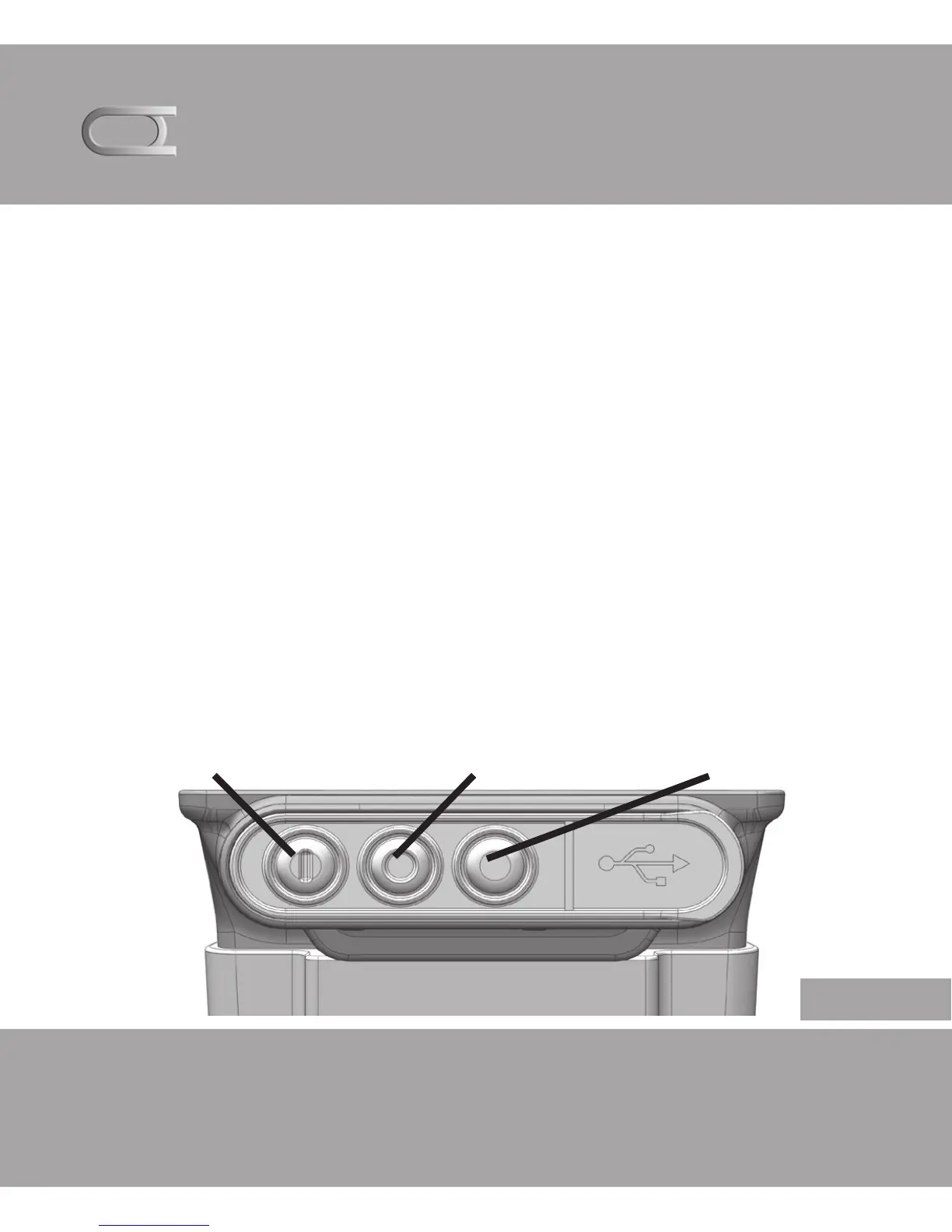
Knapp 1 Knapp 2 Knapp 3
English


 To Next Page