17
TROT TRACKER
In the Medio Time Setting Menu you can choose what time you
want the saving to start from. As a standard we have set it to
2:05,0.
The unit will then show every 100 meters you go faster then the
preset speed in the bottom of the screen. (MedioTime)
In practise it means that after 500 meters it will show you the
Trot Time for 500 meters. And it have already shown you the trot
time for 100, 200, 300, 400 and 500 meters.
When you go slower then the preset Trot Time, it will change
the Heat and start to calculate again when you go faster then the
preset Trot Time.
If you wish to change Heat and reset distance, you only press
button 3. Then you get a new Heat and the distance is reset.
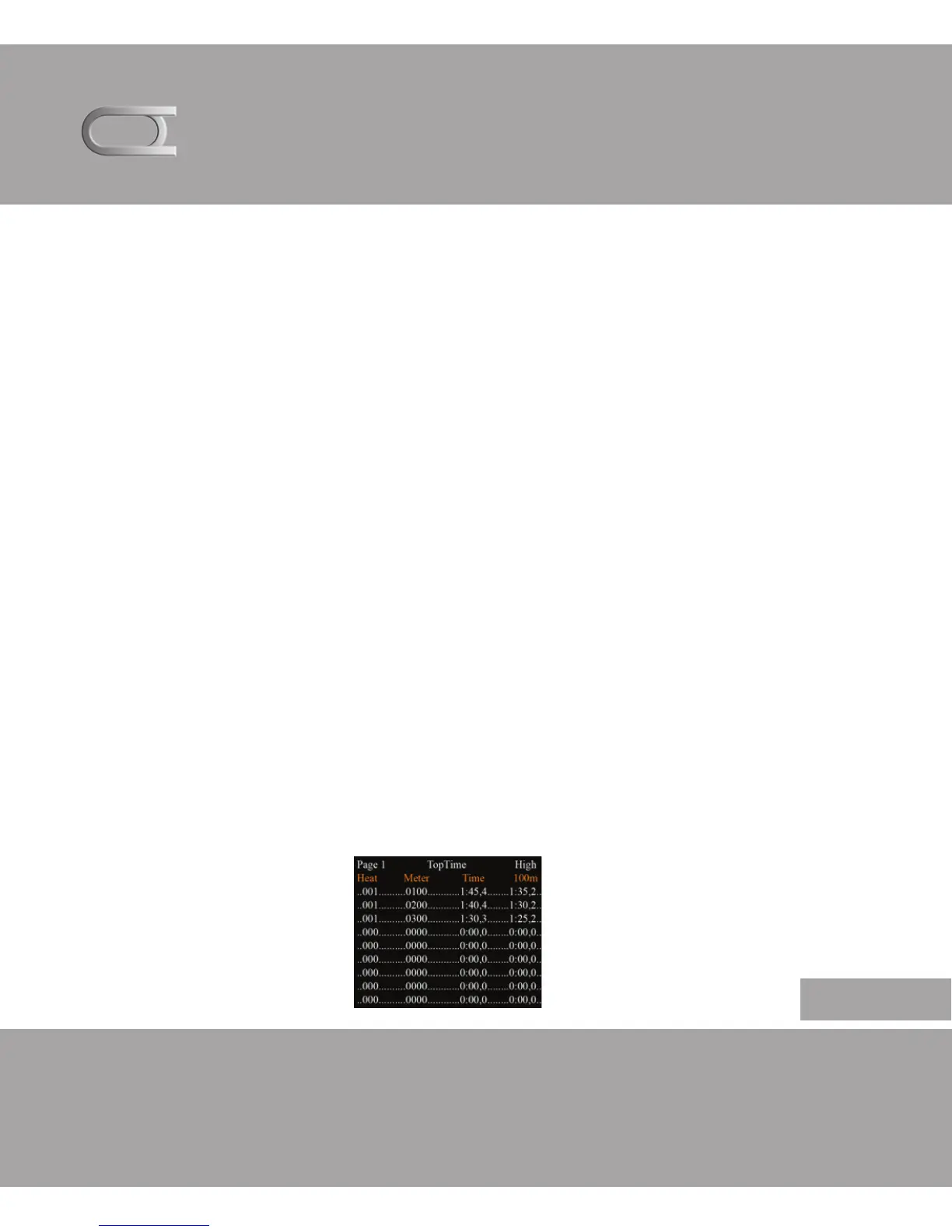
In the Saving Menu you can see the Heats, distance, trot time and
the highest speed for every 100 meters.
How the saving works
English


 To Next Page