EN 7
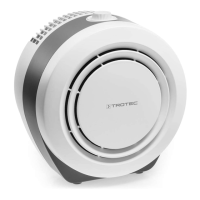
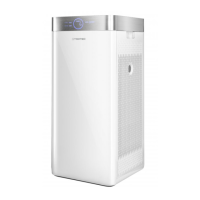
air cleaner AirgoClean® 11 E
Operation
Note
Avoid open doors and windows.
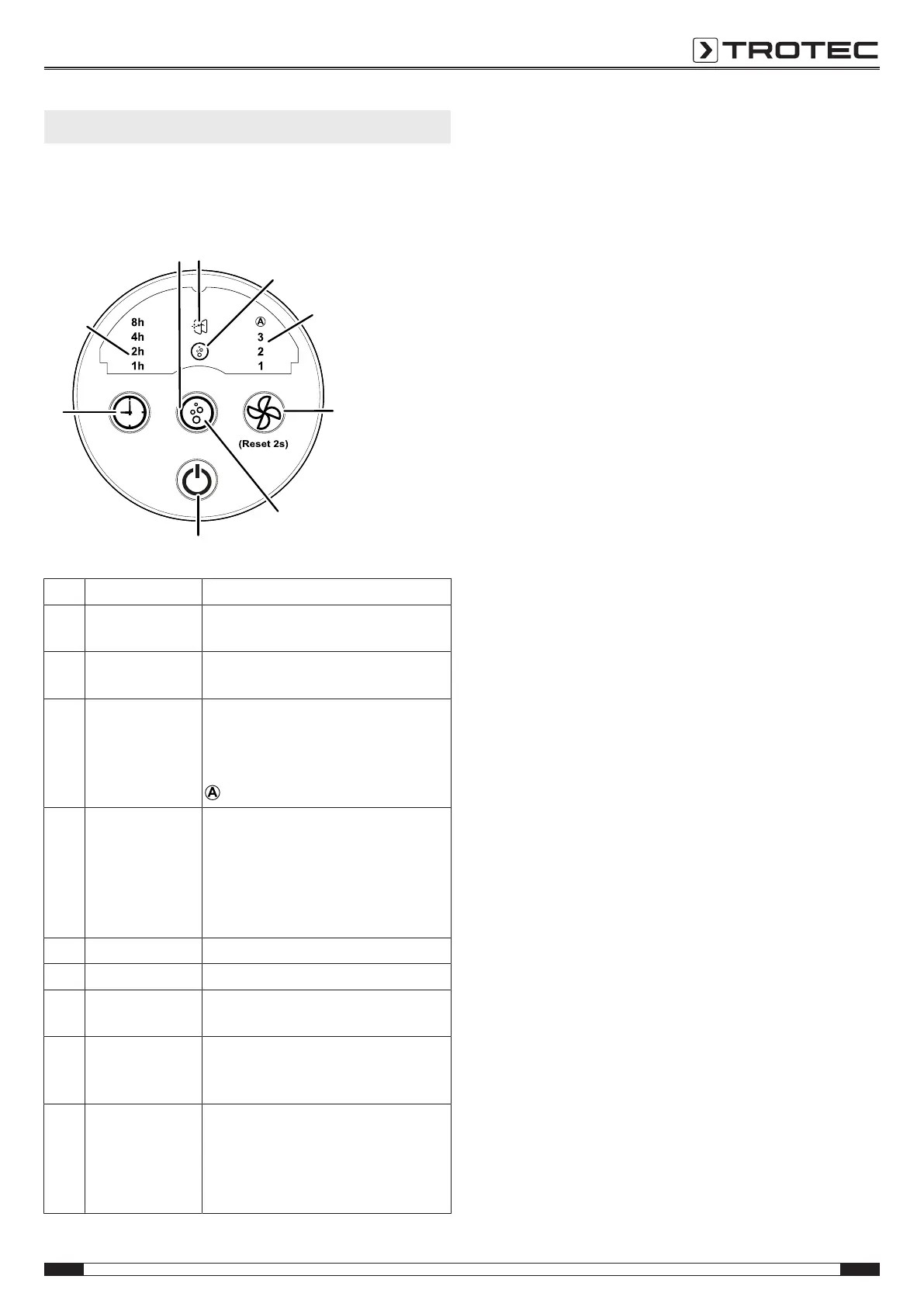
Control panel
No.
Designation Meaning
6 Filter change LED Illuminated when the filter needs to be
changed
7 Ionization LED Illuminated when the ionization
function is activated
8 Fan speed
LED
Selected fan speed indication:
stage1 = low
stage2 = medium
stage3 = high
= automatic mode
9 Speed button Setting fan speed and automatic
mode
Reset function: Only press the button
for more than 2seconds if the filter
change LED(6) lights up and the filter
has been changed
10 Ionization button Switching ionization on or off
11 On/off button Switching the device on or off
12 Timer button Switching on the timer function: 1h,
2h, 4h, 8h
13 Hours LED Indication of the number of hours of
the activated timer : 1h, 2h, 4h and
8h
14 Air quality LED Is illuminated according to the air
quality:
green= good
blue= medium
red= poor
Switching the device on
Once you have completely installed the device as described in
the Start-up chapter, you can switch it on.
Afterwards, only the on/off key(11) lights up and the device is in
standby mode.
1. Press the on/off(11) button to switch the device on.
ð The fan speedLED(14) lights up. Before initial start-up,
the device starts in its second fan stage.
ð The air qualityLED(14) lights up accordingly to the air
quality.
If no operational input is made for 40seconds, the brightness of
the control panel decreases. The full brightness will be restored
the next time you make an entry.
Setting the operating mode:
The device has the following operating modes:
• Ventilation
• Automatic mode
Ventilation
In ventilation mode, you can select all 3fan speeds manually.
Please proceed as follows to select the fan stages:
ü The device is switched on.
1. Select the desired speed by pressing the fan
speedbutton(9).
ð The fan speedLED(8) of stage1, 2 or3 is illuminated.


 To Next Page