12
ADJUSTMENT INSTRUCTIONS
WARNING: Be sure unit is
unplugged when making any
adjustment.
ADJUST SHAFT LENGTH
1. Grip shaft firmly.
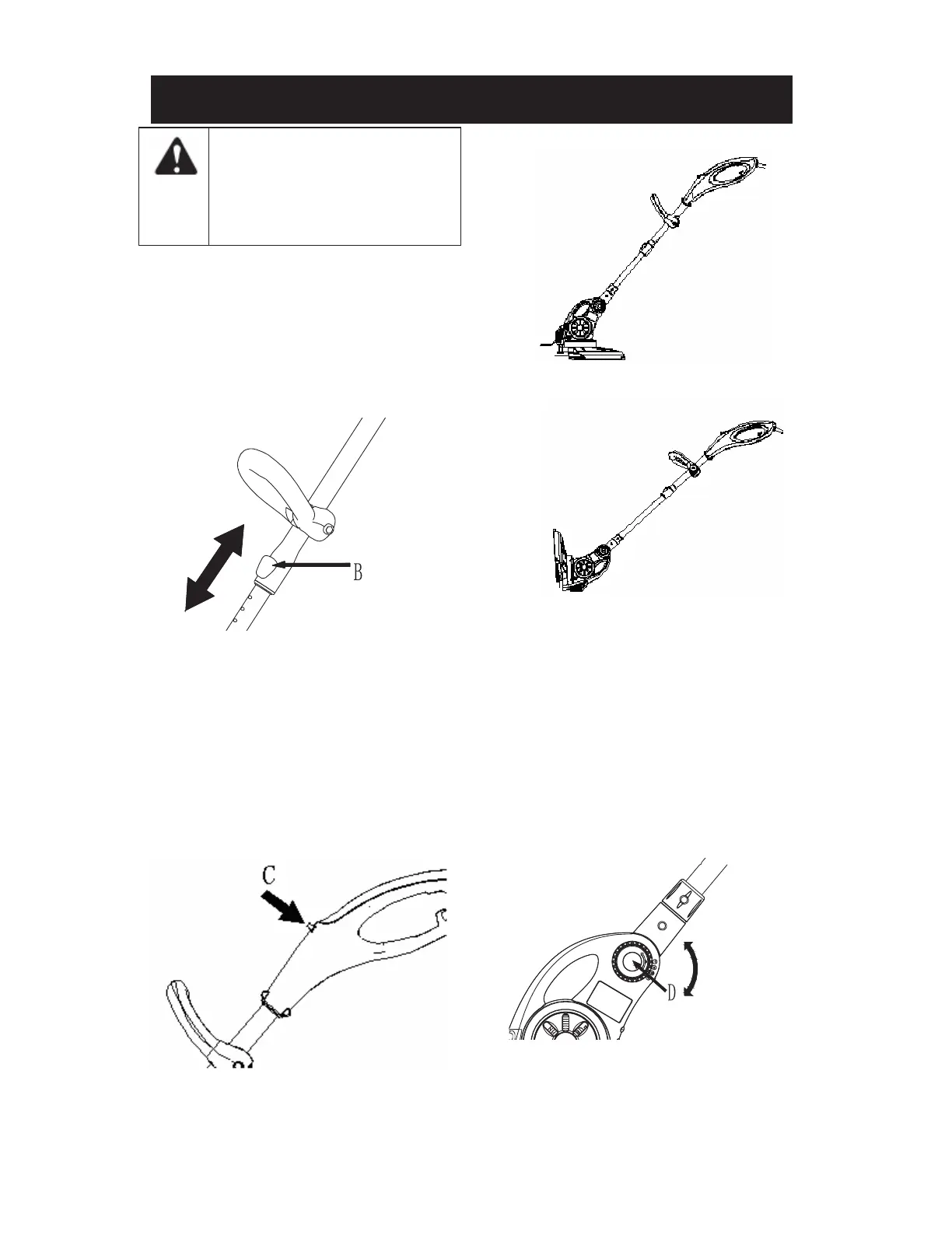
2. Push shaft length adjustment button (B)
and move upper shaft up or down to
desired length. (Fig. 7)
NOTE: Shaft may be adjusted in trimming
or edging mode.
Fig. 7
EDGING CONVERSION
1. Grip shaft firmly.
2. Press the edging conversion button (C)
(Fig. 8) and rotate the handle assembly
until it locks in place. (Fig. 9 normal
trimmer mode & Fig. 10 edging mode)
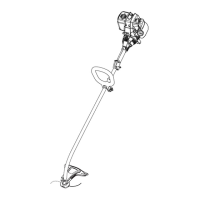
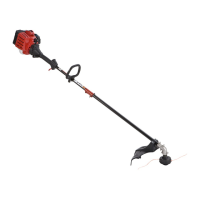
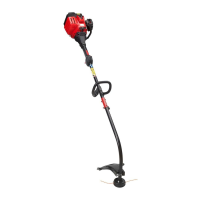
Fig. 8
Fig. 9 ( normal trimmer mode)
Fig. 10 (edging mode)
ADJUST THE ASSIST HANDLE
1. Loosen adjustment knob and move
handle to a comfortable position on the
upper shaft.
2. Tighten adjustment knob securely.
ADJUST THE TRIMMER SHAFT
ANGLE
1. Squeeze the adjustment buttons (D) at the
bottom of the shaft. (Fig. 11)
Fig. 11
2. There are 4 settings to allow you to angle
the shaft as needed to reach under decks,
bushes etc.



 To Next Page