17
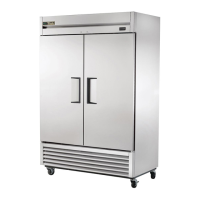
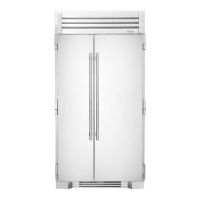
THE TRUE 42
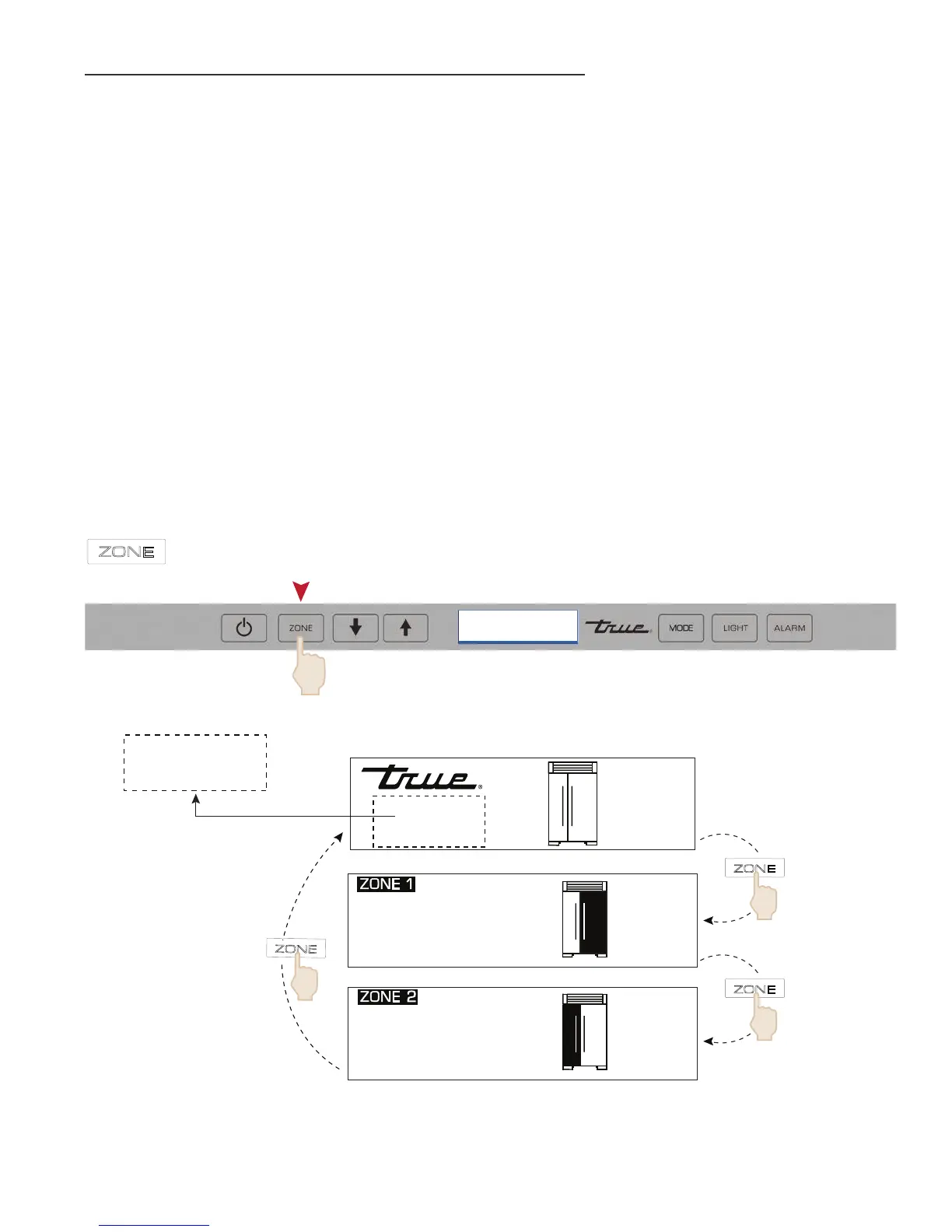
FIGURE 9 - ADJUSTING SET-POINTS
ZONE NAVIGATION (TEMPERATURE ADJUSTMENT)
To adjust set-points, press ZONE for the appropriate compartment, then DOWN or UP key on control panel
in multiple key strokes until the desired set-point is achieved (See Figure 9). Each key stroke equals a one
degree change and is accompanied by an audible beep. When the desired set-point is reached press the
ZONE key until you reach the “HOME” screen, where the current zone temperatures will be displayed.
NOTES:
• THE TEMPERATURE RANGE IN A FREEZER ZONE IS -4°F (-20°C) TO +4°F (-16°C).
• THE TEMPERATURE RANGE IN A REFRIGERATOR ZONE IS +34°F (+1°C) TO +42°F (+6°C).
• INITIAL FACTORY SET-POINTS ARE 0°F (-18°C) IN A FREEZER ZONE AND 38°F (3°C) IN A
REFRIGERATOR ZONE.
• THE INITIAL STROKE OF THE UP OR DOWN KEY WILL CHANGE THE PREVIOUS SET-POINT BY
ONE DEGREE.
ZONE
NAVIGATION
ZONE
ZONE
ZONE
NOTIFICATION
AREA
(SEE NOTIFICATION ALERTS)
REFRIGERATOR
FREEZER
-4°F
34°F
-4°F
34°F


 To Next Page