Assembly Instructions
10
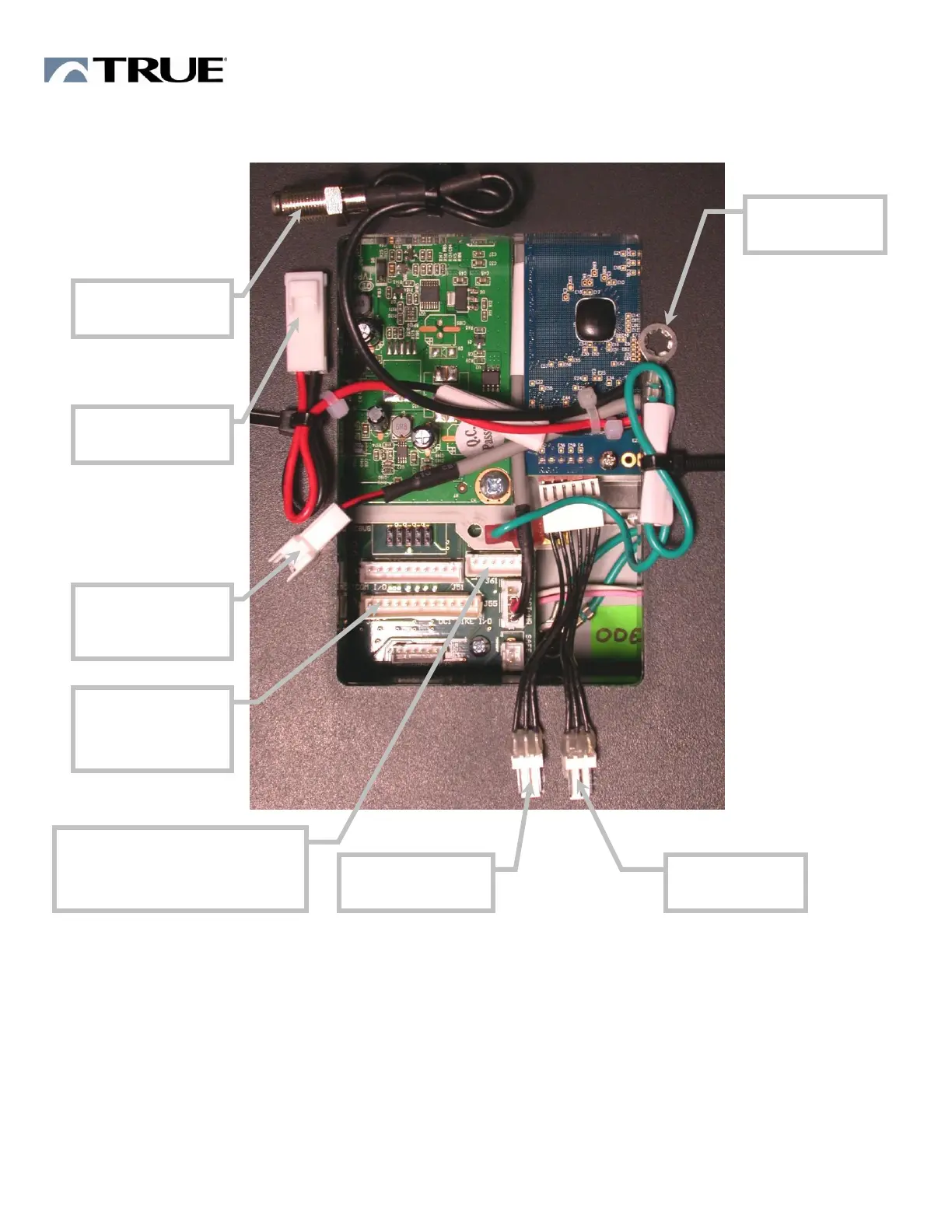
DISPLAY CONNECTION DIAGRAM – BIKE and ELLIPTICAL
BIKE and ELLIPTICAL OPERATION
1. Read and understand all instructions and warnings prior to use.
2. Plug in Power cord in appropriate wall outlet. (See your Assembly Instructions for outlet
requirements)
3. Allow display to fully light up. Allow a little over a minute for display to fully light up.
4. Follow the on screen prompts to configure Model Set Up.
5. Consult Owner’s Manual for specific operation instructions.


 To Next Page
 Loading...