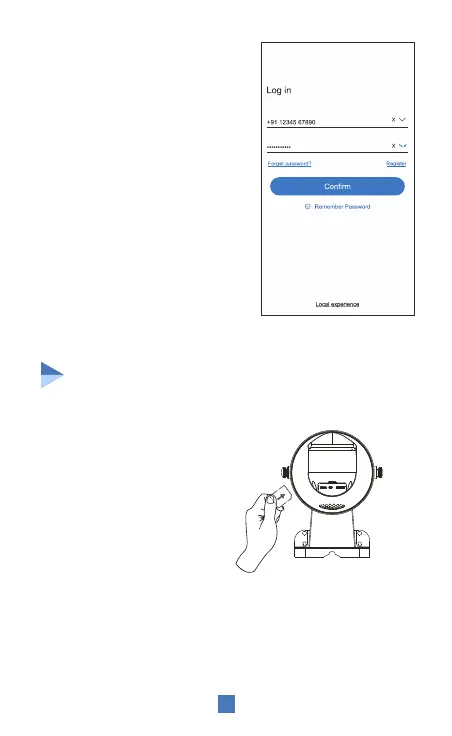
3.2 Account Login :
On the Login interface, input
account /phone number/email,
& the corresponding password,
and click the "OK" button to
log in.
Installing the Sim Card
Note: Please check the SIM & SD card slots and insert the
SIM and SD card in proper positions and directions. Make
sure the SIM card is activated with an appropriate data plan.
1. When the device is powered
OFF, Insert a 4G SIM card that can
access the internet into the device;
4
Third-party login: TrueCloud app
supports third-party login. Click
Local experience icon to jump to
the TrueCloud app and complete
the authorization and log in.


 To Next Page