Button operations
• r lG een ight flashes for 2s and turn out :
The device is powered on and connecting to the network
• Green light + Red light is always on : Amber
The camera is being previewed remotely (privacy light)
• Green light is always on :
The device is connected to the network or awakened
• Green light flashes continuously : Upgrading
• Green light flashes continuously and slowly : When Camera
in Stand by Mode & Charging
• The traffic light is always OFF : On Stand-by
• Press the reset button and hold for 10-15 sec in the
power-on state: Reset
APP Installation and Login
3.1 APP Download and Installation :
Users can search “TrueCloud” on APP Store or PlayStore.
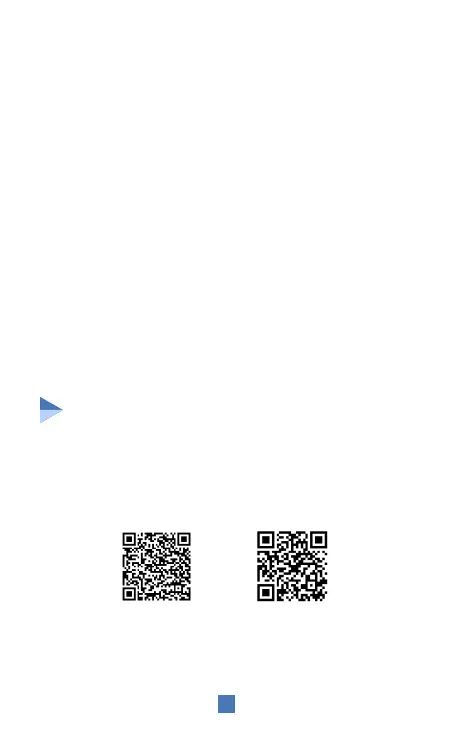
You can also install the app by scanning the below QR codes.
3
Note : The app requires iOS 9.0 version / Android 4.4 or above
LED Indictations
iosAndroid


 To Next Page