7
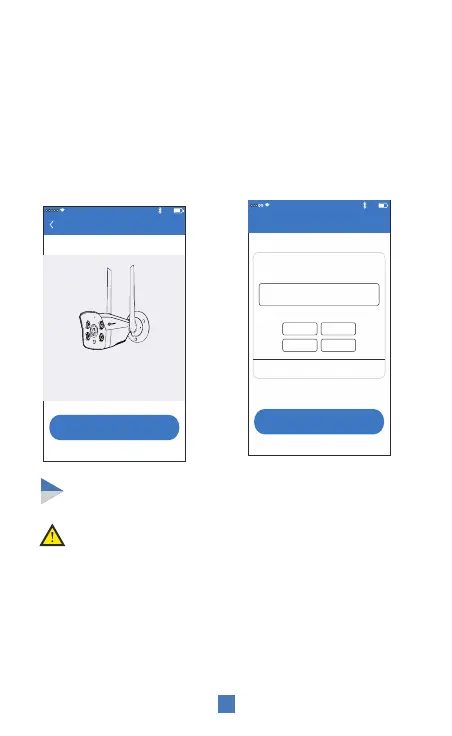
To add the camera using wired connectivity
Note: Please remove the 4G SIM card before using the
above configuration method.
6:00 PM
77%
Continue
Set device name
Give the device xxxxxxxx a name
Device
The following can be directly selected
Living room
Bedroom
Office
Study room
Confirm
2. After setting the name
and password for the device,
it will be added successfully.
1. Power ON the device.
Connect it to a router with
internet access using a
network cable. Scan the
QR code of the device and
click "Add"
6:00 PM
77%
Search device
Search code is successful, please click “Add”
Add
ID: xxxxxxxxxx
(*The picture is only for reference, please
refer to the actual product)
PIR is sensitive to hot and cold disturbances,
please note:
Avoid installing the camera where the air flow is agitated. For eg:
the air outlet of the air conditioner, the heat dissipation port of the
equipment, the side of the fan, the vicinity of the curtain, etc.
Please do not install the camera in front of the glass or mirror.
The height of the camera installation should be 2.5M-3M, the
best distance of PIR trigger.
Do not install the camera upside down.
Installation method


 To Next Page