25
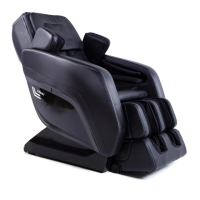
Always check behind the head pillow and back cushion. Avoid
using the chair and call a professional repair technician if you
notice any tears or broken PU material. Plug your chair only into
an outlet supporting the proper voltage and connection.
Turning o Your Chair.
A. If the chair is still on when you decide to end your session, press the On/O
button on your remote control. The chair will return to its default position, and
the remote control will shut down.
B. Aer the chair and the remote control shut down, locate the power switch near
the bottom of the chair’s back. Press the “O” toggle to shut o power to the
chair.
C. Unplug the chair from the power outlet.
Function Cheat Sheet
Before you sit down in the chair, check moving areas for foreign
objects. Remove anything that may inhibit the chair’s movement.
Do not sit in the chair to begin a session unless and until it moves
back into its default position. Never stand on the chair.
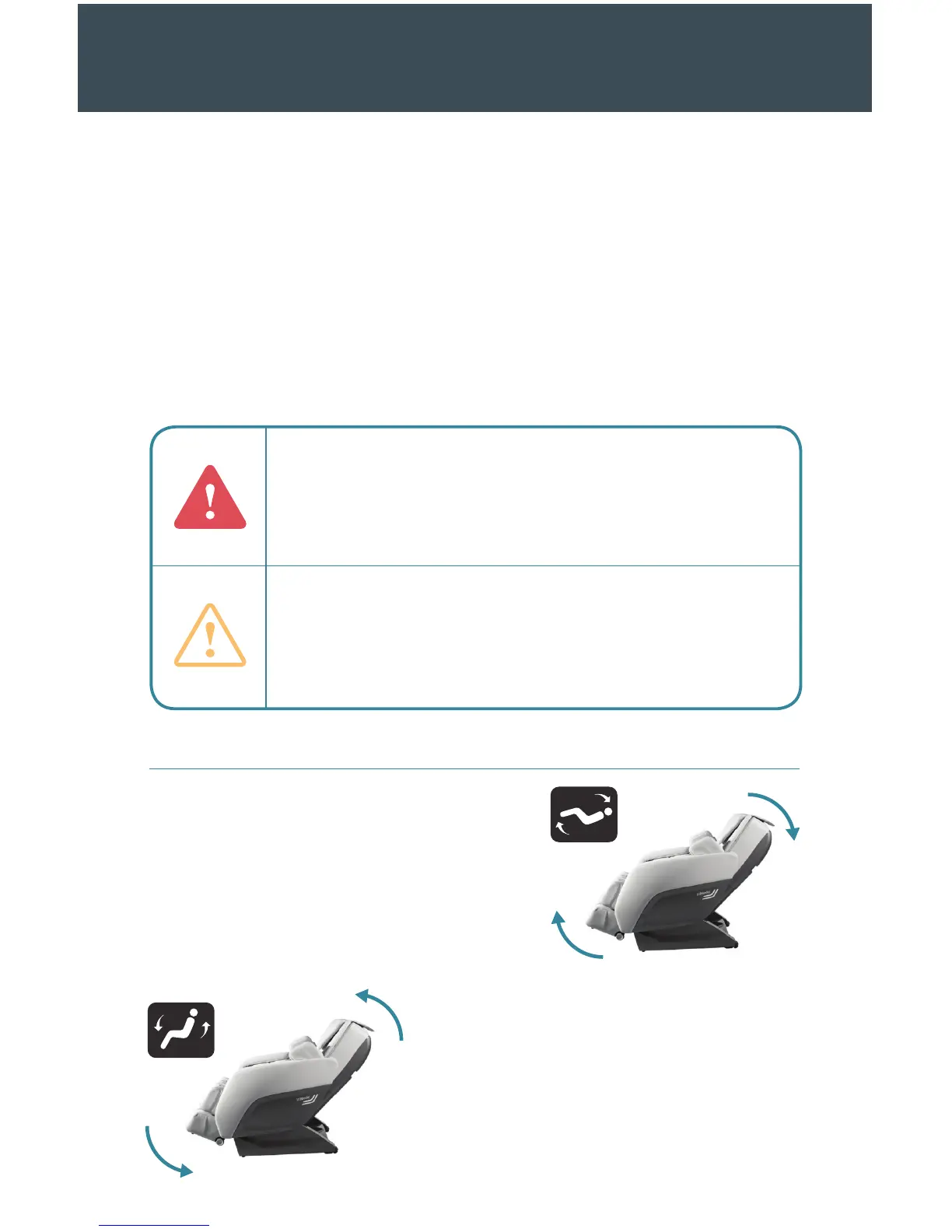
Raise the Leg Rest and Recline the Backrest
Achieve a fully reclined position when you press
this button. The chair will lock into position when
you release the button.
Raise the backrest and Lower the Leg Rest
Return to a seated position when you press this
button. The chair will lock into position when you
release the button.
OPERATION





 To Next Page