or
Quick
relaxation
Emergency
off
Menu
OK
Auto
On/Off
Air
pressure
Zero
Intensity
27
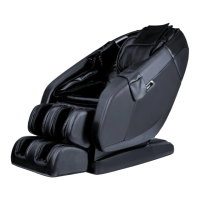
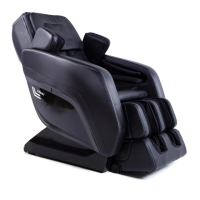
Always check for children, pets, and other obstacles before
initiating a massage sequence. Keep the gap between the
backrest and armrest clear as you adjust chair settings. Do not
attempt to leave or put pressure on the chair if the leg rest is in
motion. This kind of activity may damage the chair. For more
information on using the remote control to guide your massage
experience, refer to the Remote Control Usage Guide.
What to Do After Your Massage
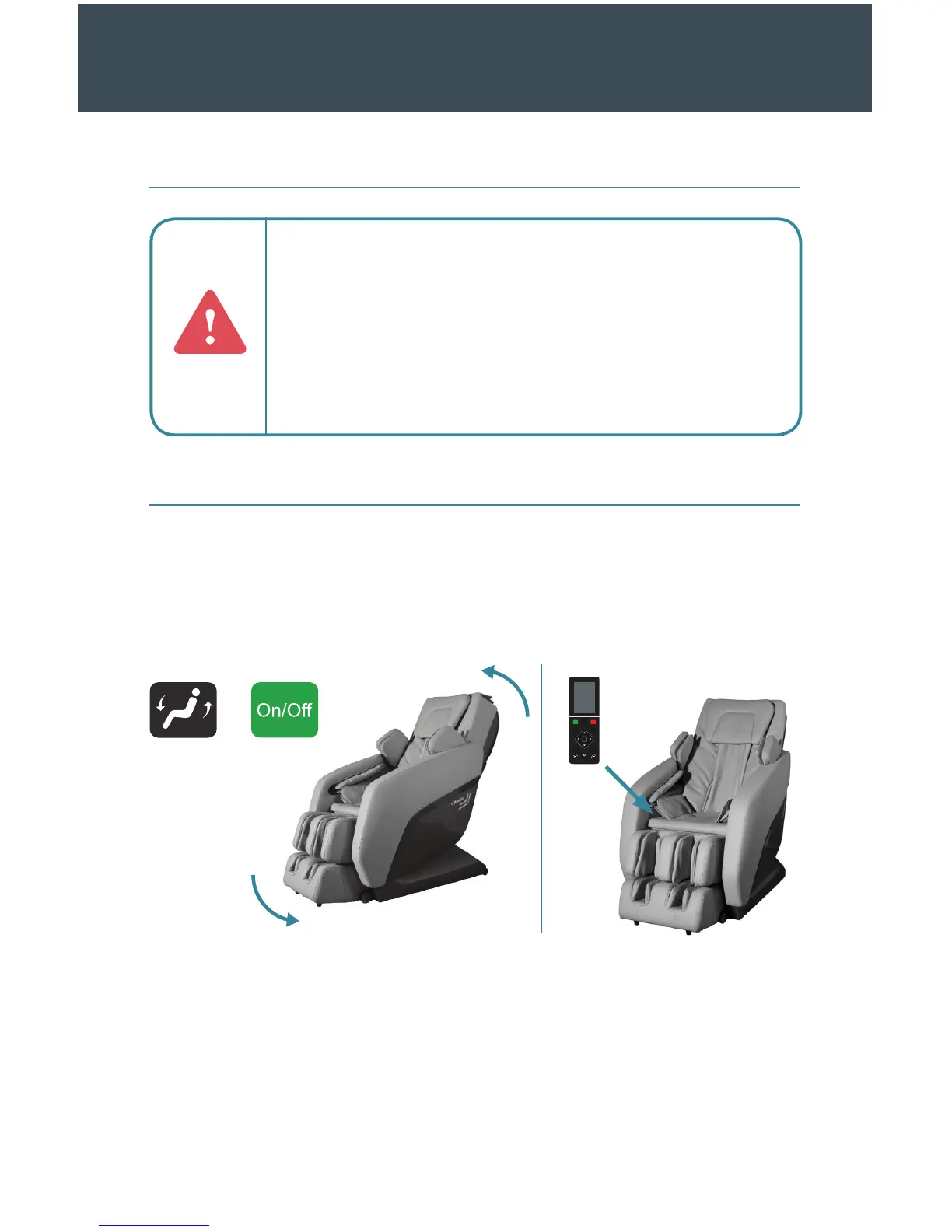
1. Look around the chair for any potential hazards including pets and children.
2. Use the manual operation buttons or the On/O button to return the chair to its
default position. If the remote control is still on, turn it o.
3. Place the remote control in the inner area of the right armrest.
4. Place the pillow pad in its original position.
5. Turn o the power to the chair. By pressing “o” on the switch in the back.
6. Unplug the power cord from its external power source. Hold the plug instead of the
cord when you do this.
7. Wipe down the chair as necessary.
Function Cheat Sheet Cont.
AFTER THE MASSAGE


 To Next Page