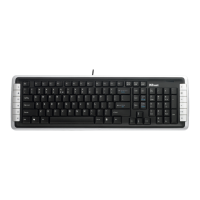
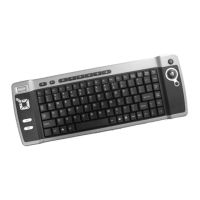
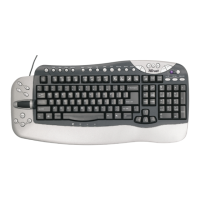
EASY SCROLL SILVERLINE KEYBOARD
6
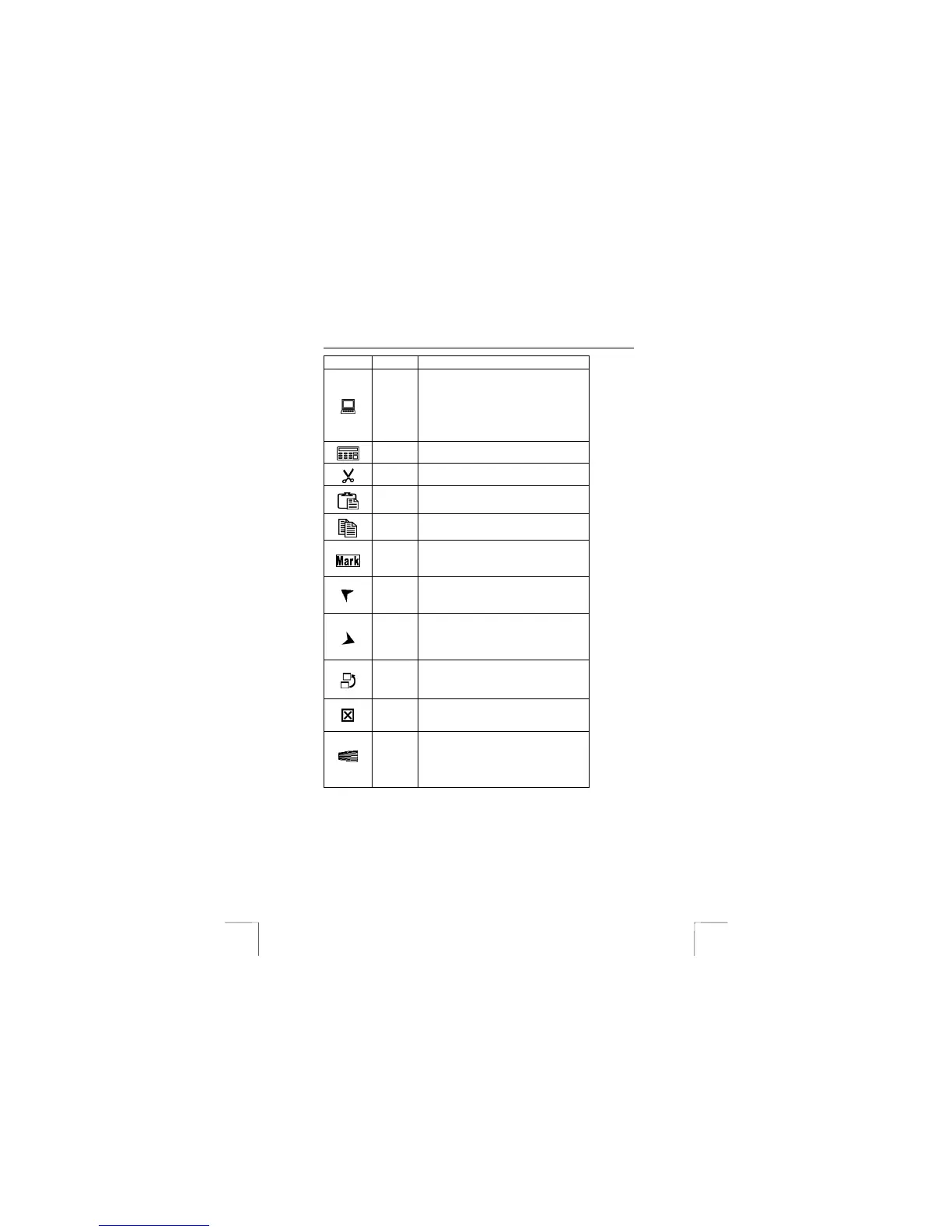
Key Function Explanation/remarks
My
computer
Open My Computer. My computer shows the
contents of your floppy disk, hard disk, CD-
ROM drive and network drives. You can also
search for and open files and folders, and
gain access to options in Control Panel to
modify the computer’s settings.
Calculator Start Microsoft Calculator.
Cut
Cut out the selected item
Paste Paste the previously cut out or copied item at
the cursor position
Copy Copy the selected item
Mark
Mark the selected item, and use “Å” or “Æ” to
mark the text.
Backward
Go back to the previously viewed item in
programs that support the “Back” command,
such as a Web browser
Forward
Go to the next item – if it was previously
viewed in the same session – in programs
that support the “Forward” command, such aw
a Web browser.
Switch
program
Switch the focus to a previously opened
window. Press the key and select the window
to be activated.
Close
program
Close the active Windows application when
the key is pressed.
Navig.
Wheel Bar
Move around in a scrollable document as if
you were using the scroll arrows or a mouse
wheel, but without taking your hand off the
keyboard. *Optional function: Press the Scroll
Wheel Bar to “Pop-up” an OnScreen Menu.


 To Next Page