26 27
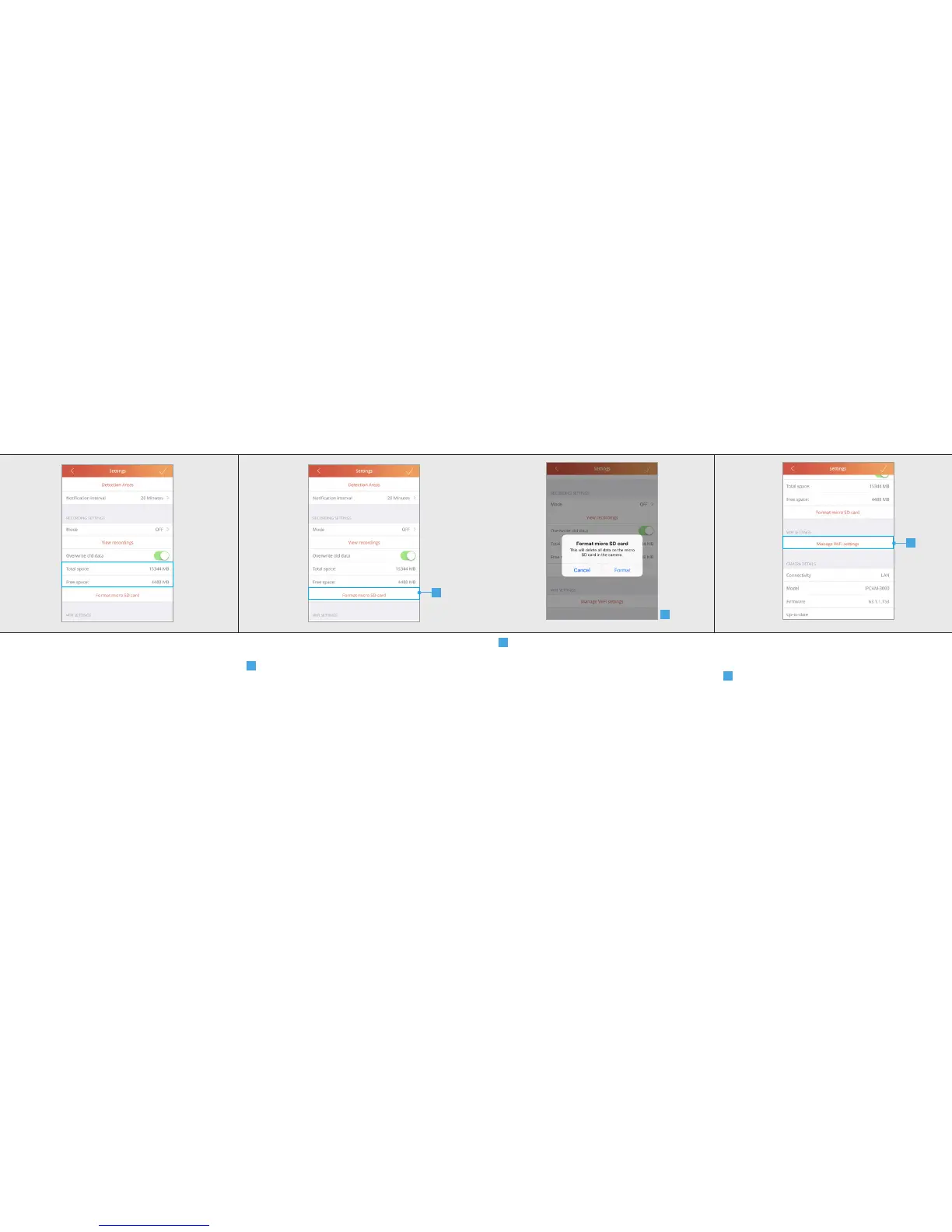
14.3 Total space and Free space
Total space: Here you can see what the total
size is of the internal micro SD card that is placed
inside the camera.
Free space: Here you can see the free space that
is still available on the internal micro SD card.
14.4 Format SD card
A
Press Format micro SD card to erase the
micro SD card. Note: The micro SD card will be
completely erased with this function. Make sure
you have a backup.
A
IPCAM-3000 OUTDOOR CAMERAIPCAM-3000 OUTDOOR CAMERA
B
A pop-up is shown to confirm the micro SD
card is going to be formatted. Press Format to
completely erase the micro SD card.
15 WIFI Settings
15.1 Manage WIFI Settings
A
To change the WIFI network of the camera
press the Manage WIFI settings button.
A
B



 To Next Page