28 29
B
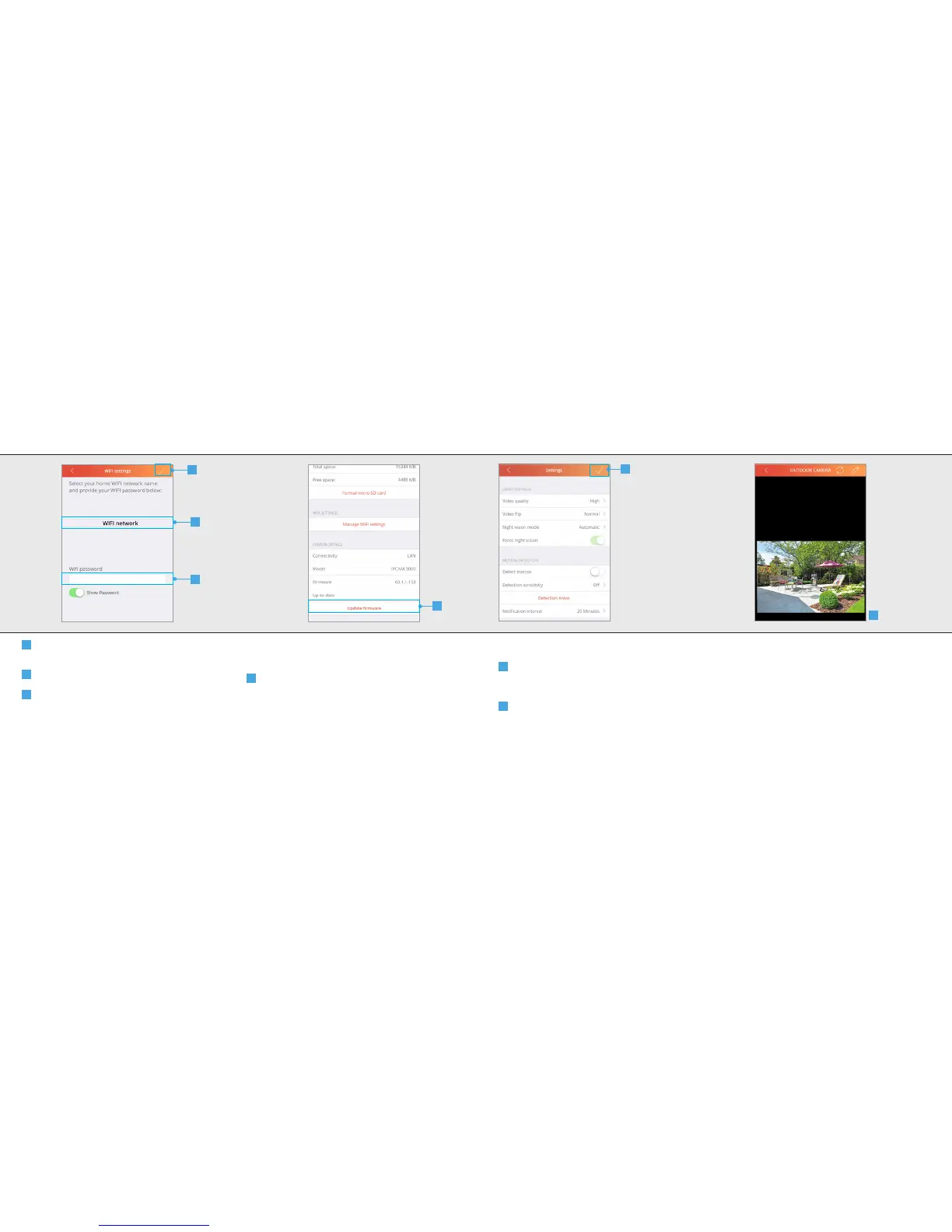
A new screen is opened. Select the desired
WIFI network the camera should connect to.
C
Fill in the password for the WIFI network
D
Press CONFIRM
16. Camera details
16.1 Update firmware
A
When a new firmware is available for the IP
camera the option Update Firmware becomes
available. Press Update firmware to download
and install the latest firmware for the IP Camera.
After the new firmware is downloaded and
installed the camera will reboot.
A
IPCAM-3000 OUTDOOR CAMERAIPCAM-3000 OUTDOOR CAMERA
B
C
D
17. Save configuration
A
When you are done configuring the camera
press the CONFIRM button to save the changes
of the camera configuration.
B
The App will return to the video stream
screen.
A
B



 To Next Page