USER’S MANUAL
1
UK
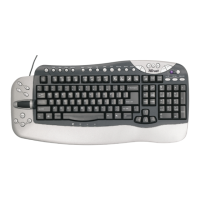
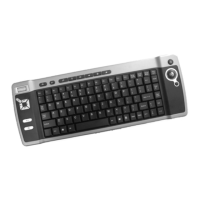
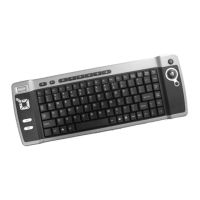
Product information
A: Left / right mouse button
B: Scroll
C: Media Center launch button
D: Trackball
E: Power button
F: USB receiver
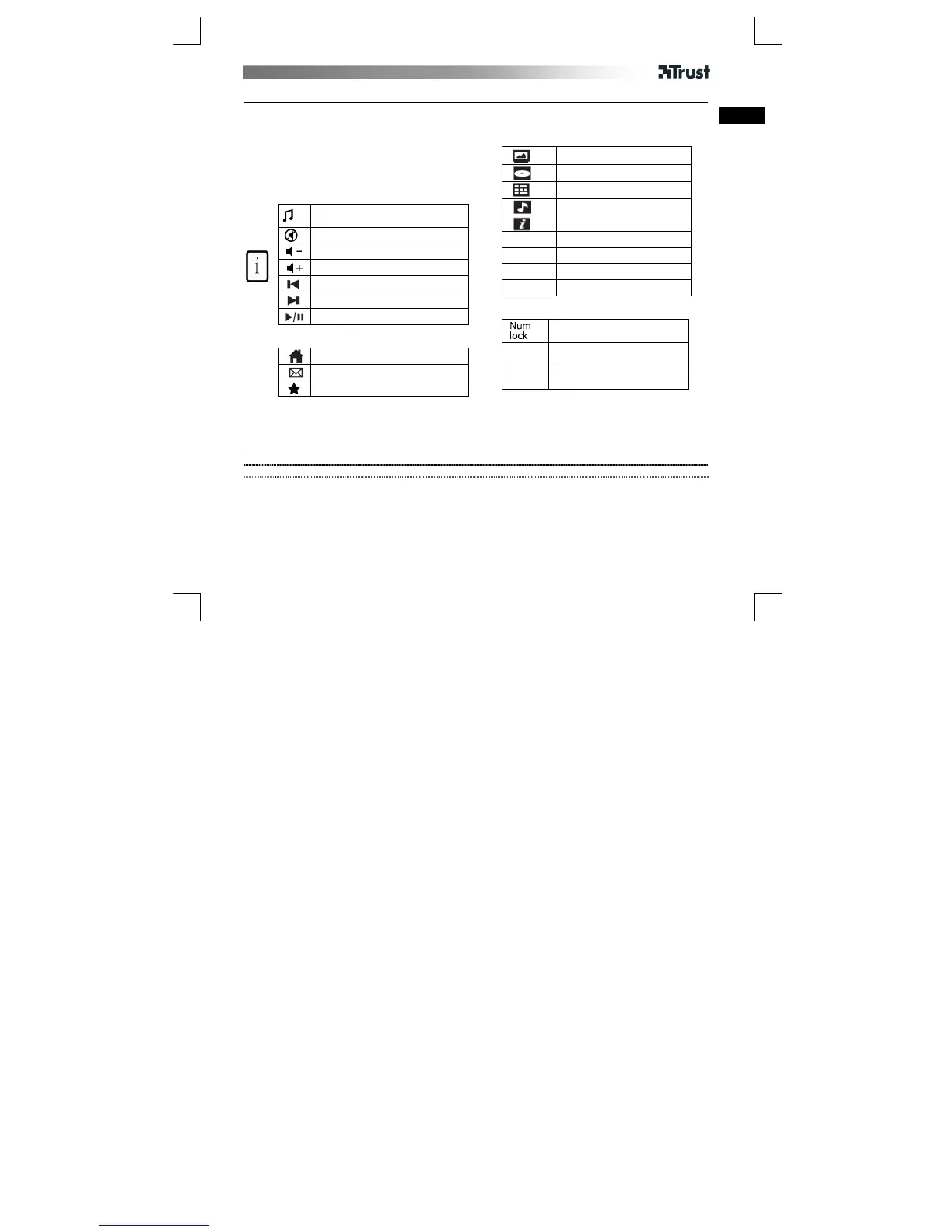
G: Media Keys
Launch Windows default Media
player
Mute
Volume down
Volume up
Previous track
Next track
Play / Pause
H: Internet keys
Start Internet Browser
Start E-mail program
Favourites
I: Media Center Keys
Special Keys
Activate numeric functions.
(Blue text)
AltGr
Insert special characters
Fn
Activate “normal” character
when NumLock is on
Live TV
DVD-menu
TV-guide
Music
More
ChUp
Channel Up
ChDn
Channel Down
OK
MCE OK
PrvScr
Previous Screen
Installation
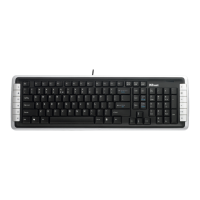
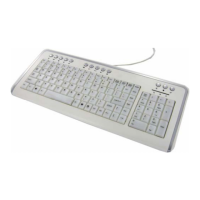
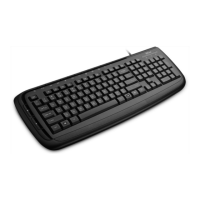
1 Open battery compartment on bottom side of keyboard and insert batteries.
2 Connect USB Transmitter to PC; wait until automatic installation has completed Ready to use.


 To Next Page