AHC/QHC series technical manual
Display will show „Pin‟ briefly if PIN is activated. Press the PIN number to get into the
parameter menu.
The default PIN number is “0000”.
Press the “0” key four times. The display will show “Pin - - - - “, then press the Tare
key.
This function can be accessed by using the . The weight display will show the
name of the function, to enter the function by pressing the key. At any time you
can return to weighing b pressing the .
F1 CALIBRATION
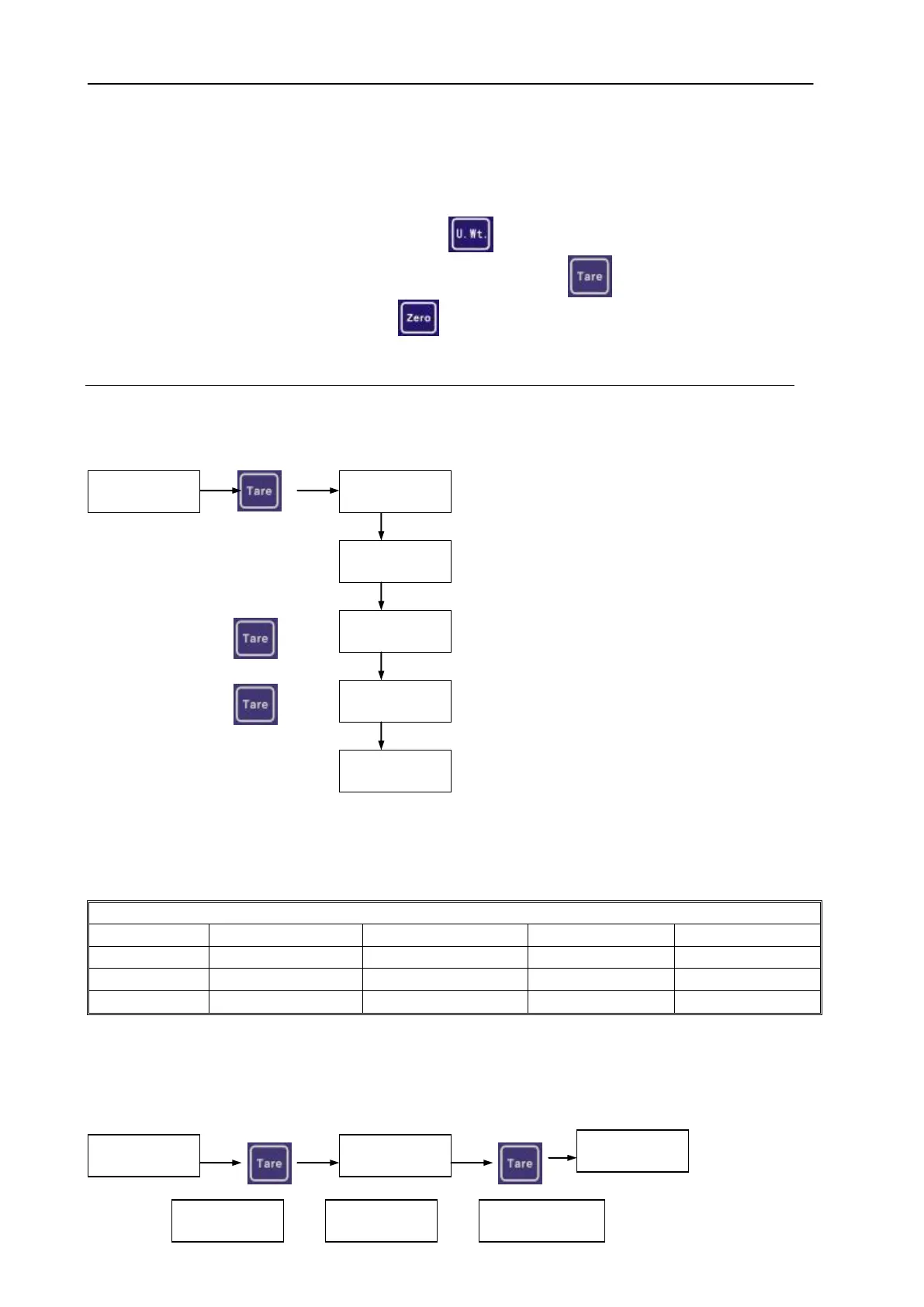
1. Linear Calibrate.
Enter the parameter menu using by password 9999.
Place the first weight
Press Add the second weight
Press Add the third weight
Remove all weights.
Remove the weights; The Linear Calibration procedure is finished.
When the calibration is finished, the display will enter into weighing mode.
Calibration Weights for linear Calibration.
2. Normal Calibration
Enter the parameter menu using by password. (Default password “0000”)
When the parameter menu show F1 CAL



 To Next Page