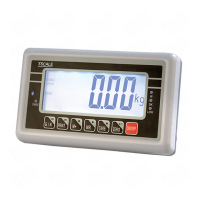
Need help?
Do you have a question about the TScale CW Series and is the answer not in the manual?
Step-by-step guide on how to physically set up the weighing indicator and connect power.
Details how to connect load cells to the indicator using a terminal diagram.
Instructions for connecting the AC adapter to charge the internal battery and indicators of charging status.
Covers fundamental operations like powering on/off, zeroing the scale, and using the tare function.
Explains the functionality of check weighing, including setting operational limits.
Settings for check weighing limits, including high/low limits and beep options.
Configuration for accumulation and RS-232 communication options, including data transmission modes.
Configuration related to decimal places, dual interval, capacity, and division settings.
Step-by-step instructions for performing the calibration process, including loading weights.
 General
| Model | CW Series |
|---|---|
| Units | kg, g, lb, oz |
| Features | Waterproof, Check weighing, Percentage weighing, Accumulation |
| Material | Stainless steel platter, ABS housing |
| Display | LCD |
| Type | Waterproof Scale |
| Dimensions | 280 x 236 x 145 mm |
| Color | Gray |


 To Next Page