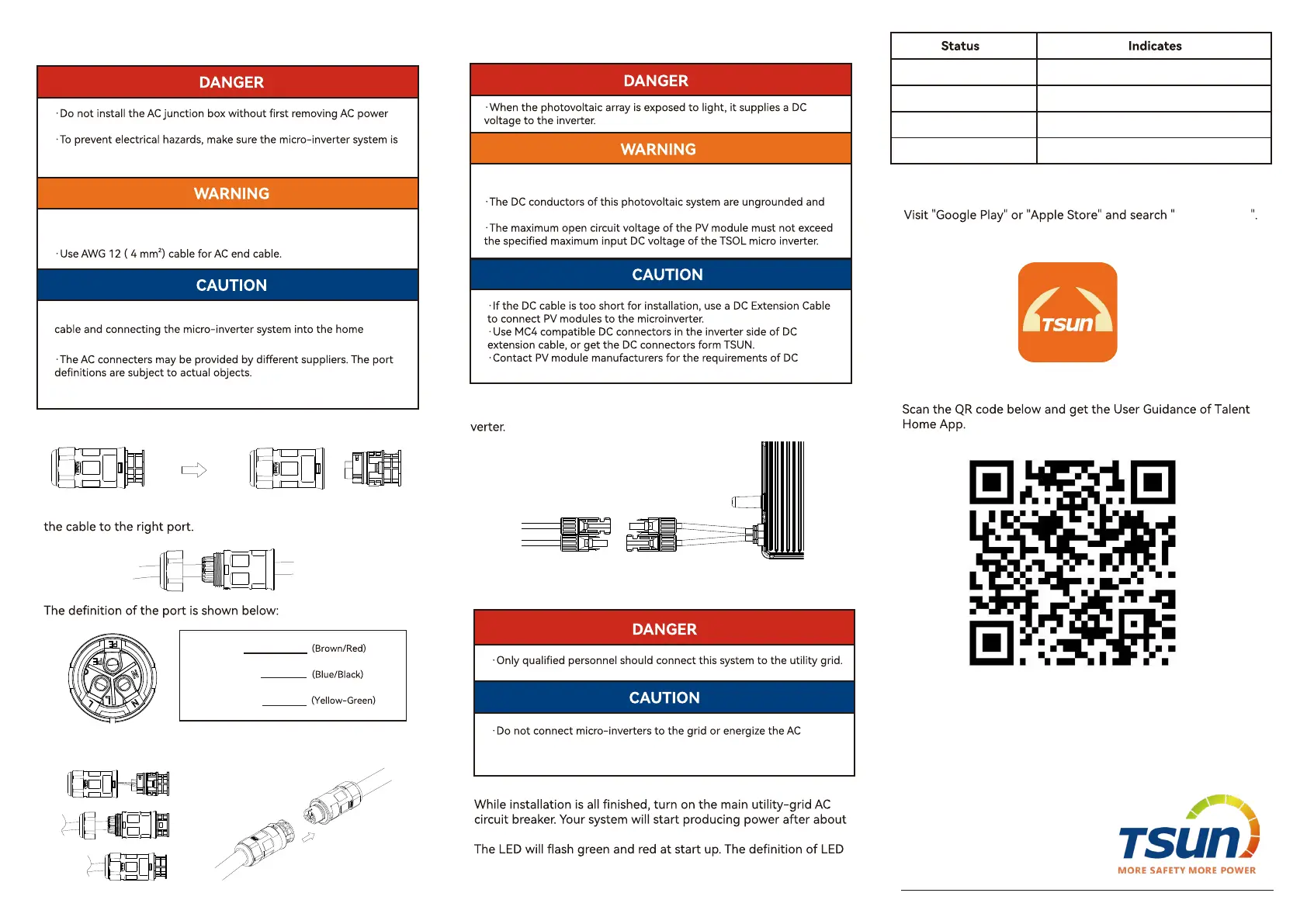
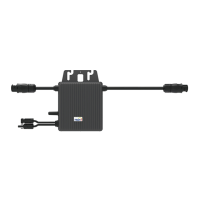
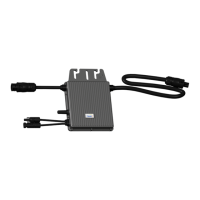
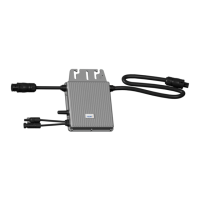
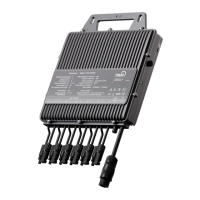
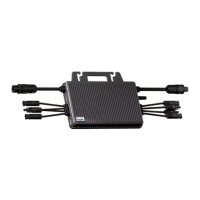
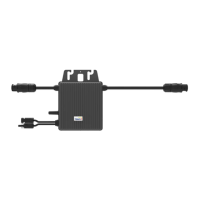
Separate the AC connector as shown below.
Get the AC cable through the shell of AC connecter and connect
Reassemble the AC connector. Plug it into the microinveer and
connect the AC cable to the AC distribution box.
a two-minute wait time.
is shown as below.
Install the PV modules and connect the DC cable to the microin-
connectors in the module side of DC extension cable.
circuit(s) until you have completed all the installation procedures and
have received prior approval from the electrical utility company.
·Ensure that all DC cables are correctly wired and that none of the
wires are pinched or damaged.
may be energized.
Working normally
Working abnormally
Fault
Fishing Green (0.2-3.8)
Fishing Red
Solid Red
from the system.
disconnected from the home distribution network and the AC breaker
is open.
·Ensure that all AC cables are correctly wired and that none of the
wires are pinched or damaged.
·The installation technician is responsible for selecting a kind of AC
distribution network correctly.
L: Live
N: Neutral
PE: Ground
Talent Home
Download and install it in the mobile phone.
Talent Home
Follow the user guidance and complete all the operations in
the App.
TSUNESS Co,. Ltd
E-MAIL : sales@tsun-ess.com
WEB : www.tsun-ess.com
TEL : +86-512-66186028
11061400102 V1.2
Step 8. Download the monitoring App
Step 5. Connect AC end cable
Step 6. Connect DC cable
Step 7. Sta the system
Fishing Green (0.2-0.8)
WiFi disconnected
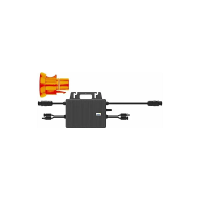
·The AC connector and protection cap is not in the package.


 To Previous Page