11
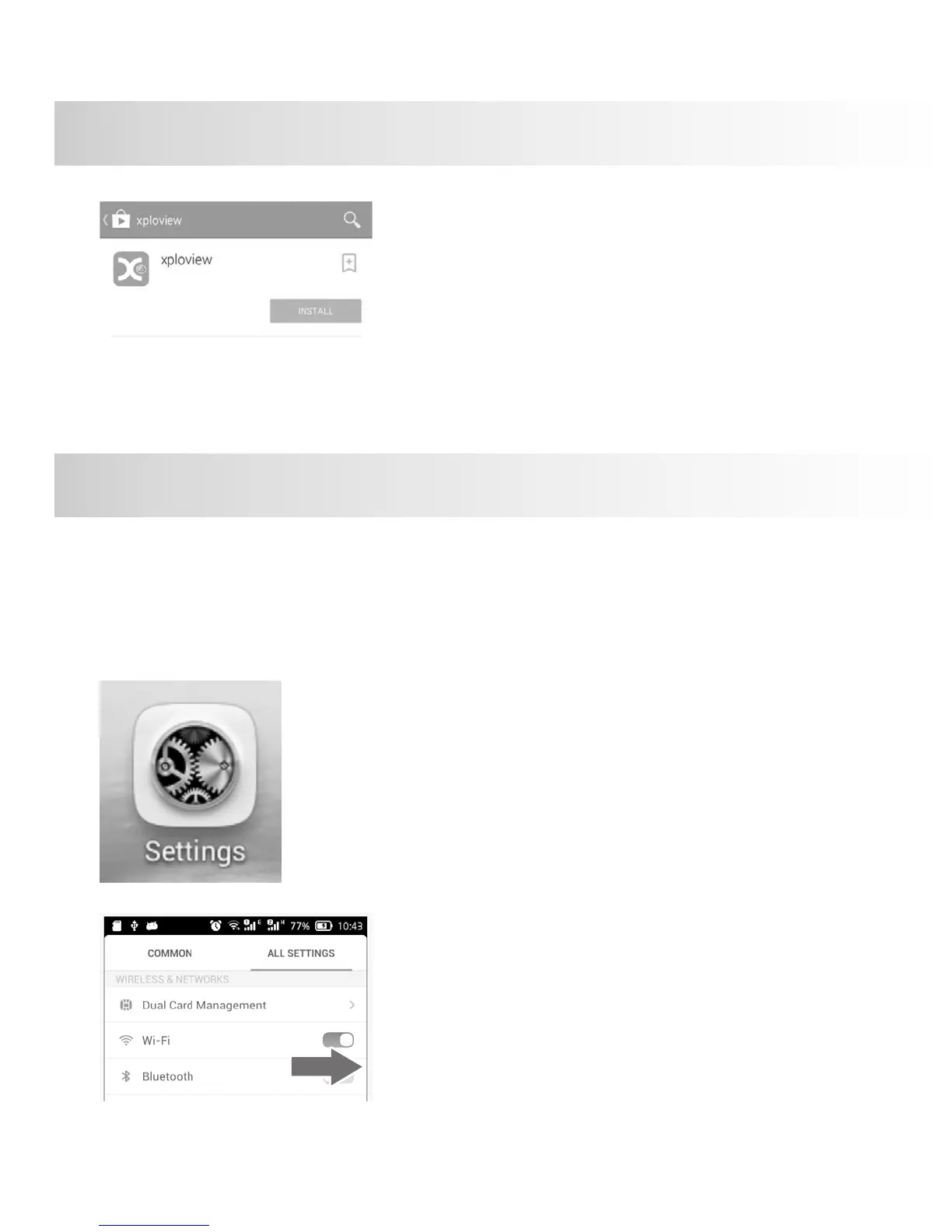
INSTALLING THE SMARTPHONE APP
Search for "xploview" on Play Store or App Store
on your mobile device and install the app.
USING THE XPLOVIEW APP WITH A SMARTPHONE
Connecting the device
Turn on the wireless microscope (see P.9).
Go to "Settings".
Turn on Wi-Fi connection.


 To Next Page