27
Saved les
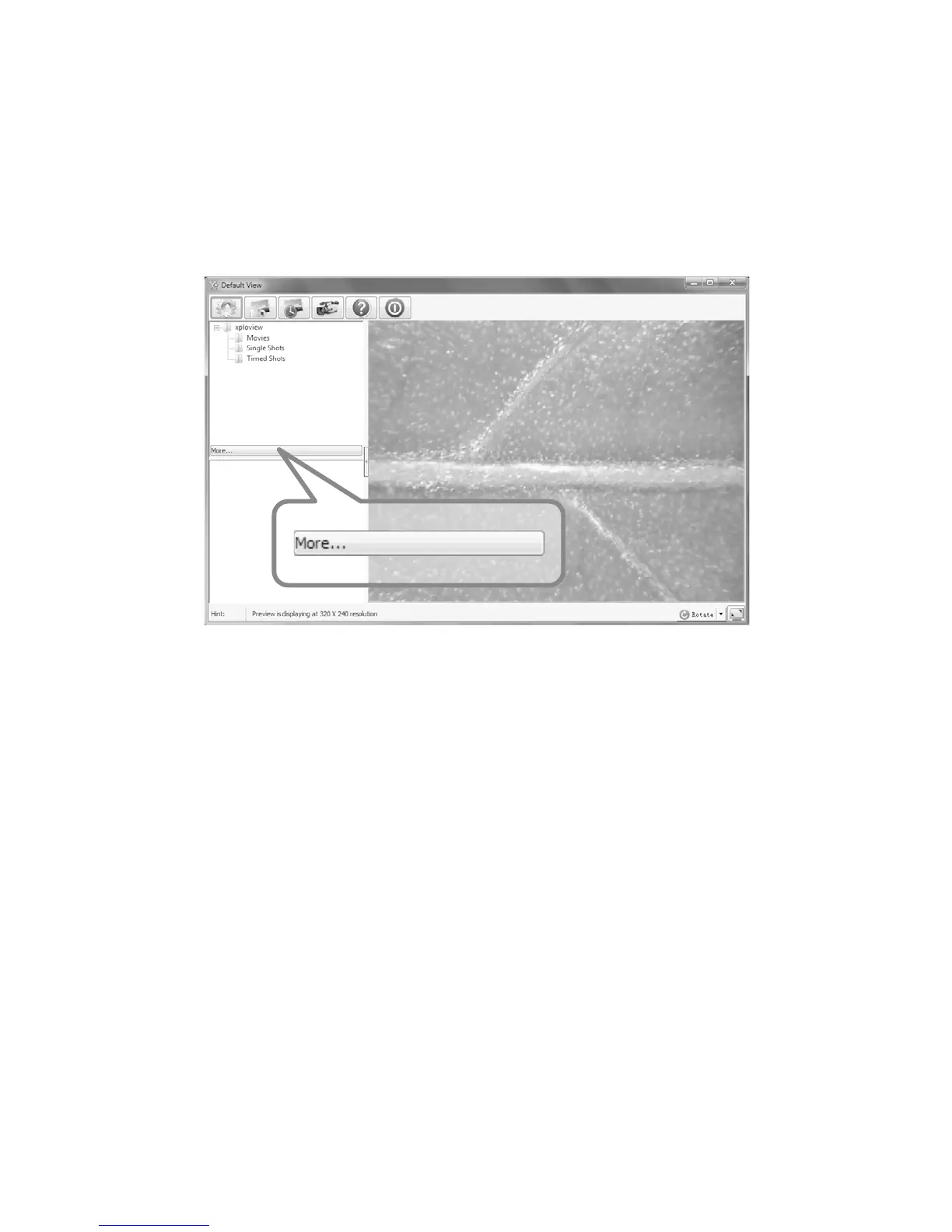
With the xploview application software opened, you can locate the saved les
folder by clicking the "More..." button located on the left of the main software
window.
Uninstalling the xploview software
Windows based PC
Select "Uninstall xploview" from the start menu (Start > All Programs > xploview
wireless > Uninstall xploview).
Mac OS based PC
Drag the xploview wireless application icon from the "Applications" folder to
"Trash".



 To Next Page