24
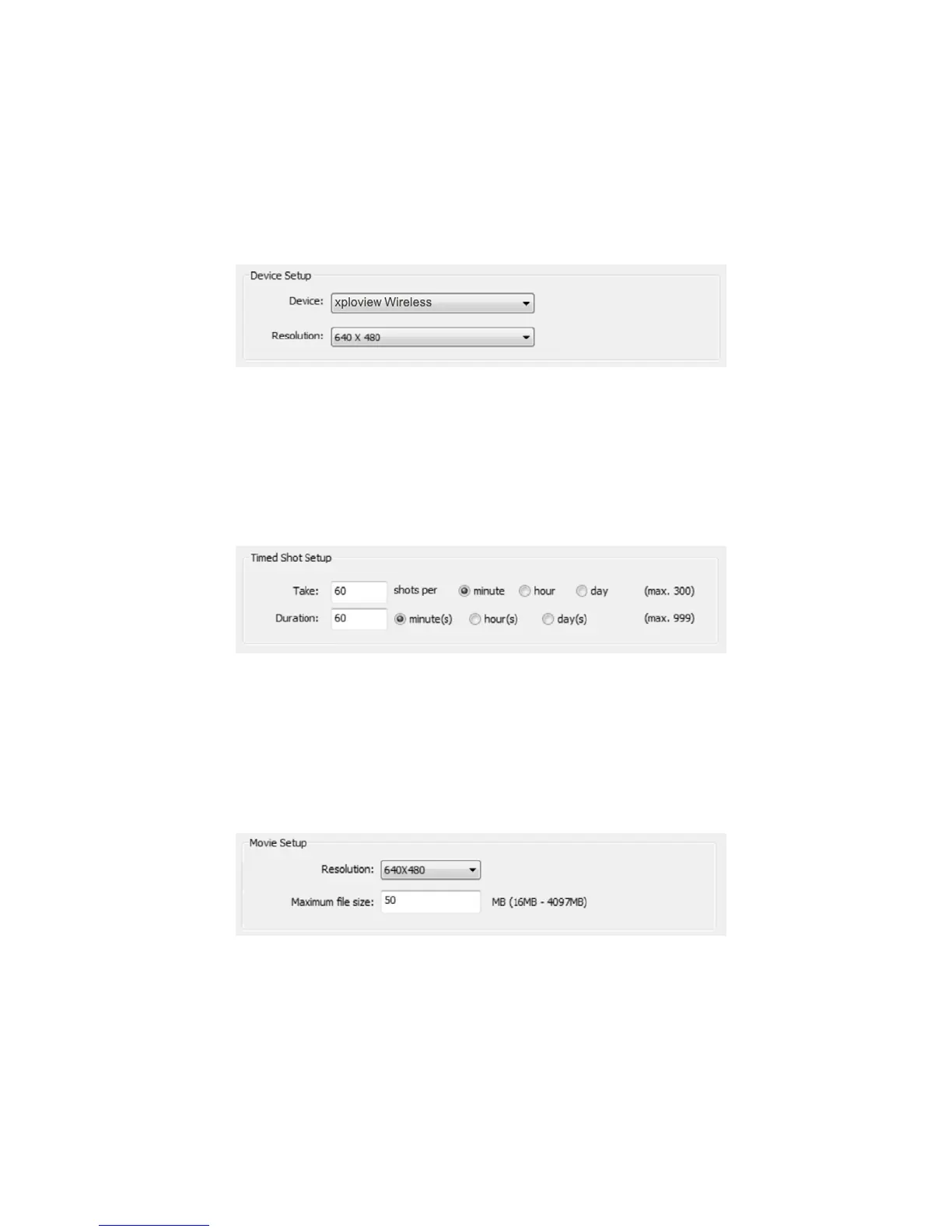
Device setup
If the image captured by the wireless microscope was not displayed by default,
you can change this by selecting "xploview wireless" from the "Device" drop-
down menu and click "Connect".
Timed shot setup
The frequency and duration of automatic images capture can be adjusted under
this option.
Movie setup
The resolution of videos you record can be changed from the "Resolution" menu.
You can also set a maximum le size for each video.


 To Next Page