20
Button menu
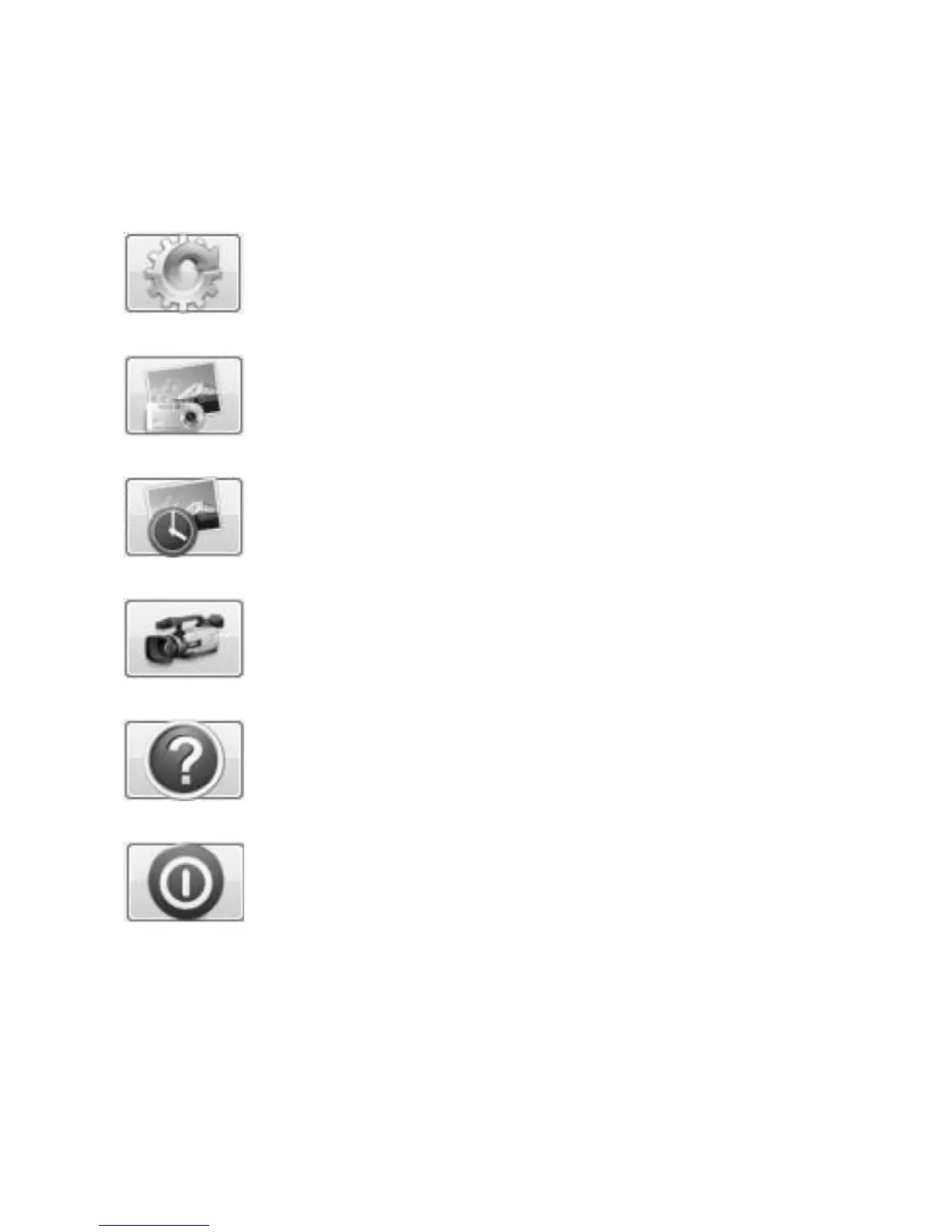
The icons on the button menu :
Open System Settings Menu (see system settings menu on
page23).
Capture on screen image.
To start and to stop Timed Shot. Images will be captured at a
regular interval (see system settings menu on page 24 to adjust
frequency and duration).
To start and to stop Video Recording.
Information of the application software. This information
maybe helpful when updating software.
Shut down the application software.



 To Next Page