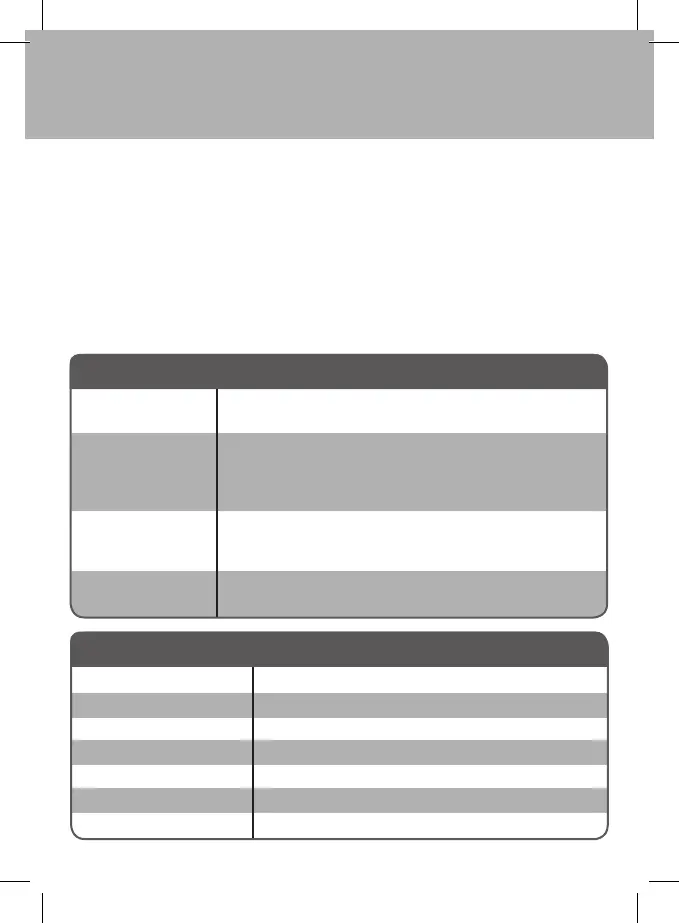
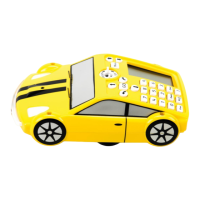
Wonder Bug
Handset
Green LED on – signal being sent to Wonder Bug
Green LED on when docked – Handset is fully charged
Red LED on when docked – Handset is charging
Troubleshooting
Your Wonder Bug has been designed to be very robust. However, it is not intended to be
dropped or sat on or otherwise mistreated. The Wonder Bug should not be submerged in
water. Opening the Wonder Bug or Handset will invalidate your warranty.
Ensure that the Wonder Bug and the Handset are switched “ON”
Ensure the batteries are charged
Recharge the batteries.
Handset not switched on
Check the channel select switches
Out of range
Battery in either the Wonder Bug or the Handset is low.
Recharge the battery using the power adaptor provided.
Wonder Bug is out of range
Battery is low, please recharge
If using outdoors select the “Fast” setting
No lights on
Wonder Bug
Lights come on, but
no movement
Wonder Bug operates
intermittently.
Wonder Bug lacks
power
Problem Solution
Range:
Frequency
Handset Battery
Wonder Bug Battery
Battery life
Power Supply, Input
Power Supply, Output
Specications
up to 25 meters
2.4 GHz
3.6V 140mAh NiMH
7.4V 4000mAh Lithium Polymer
approx. 3 hours in normal usage
100 – 240V AC 50/60 Hz
9V DC 1.5A DC (centre Positive)


 To Next Page