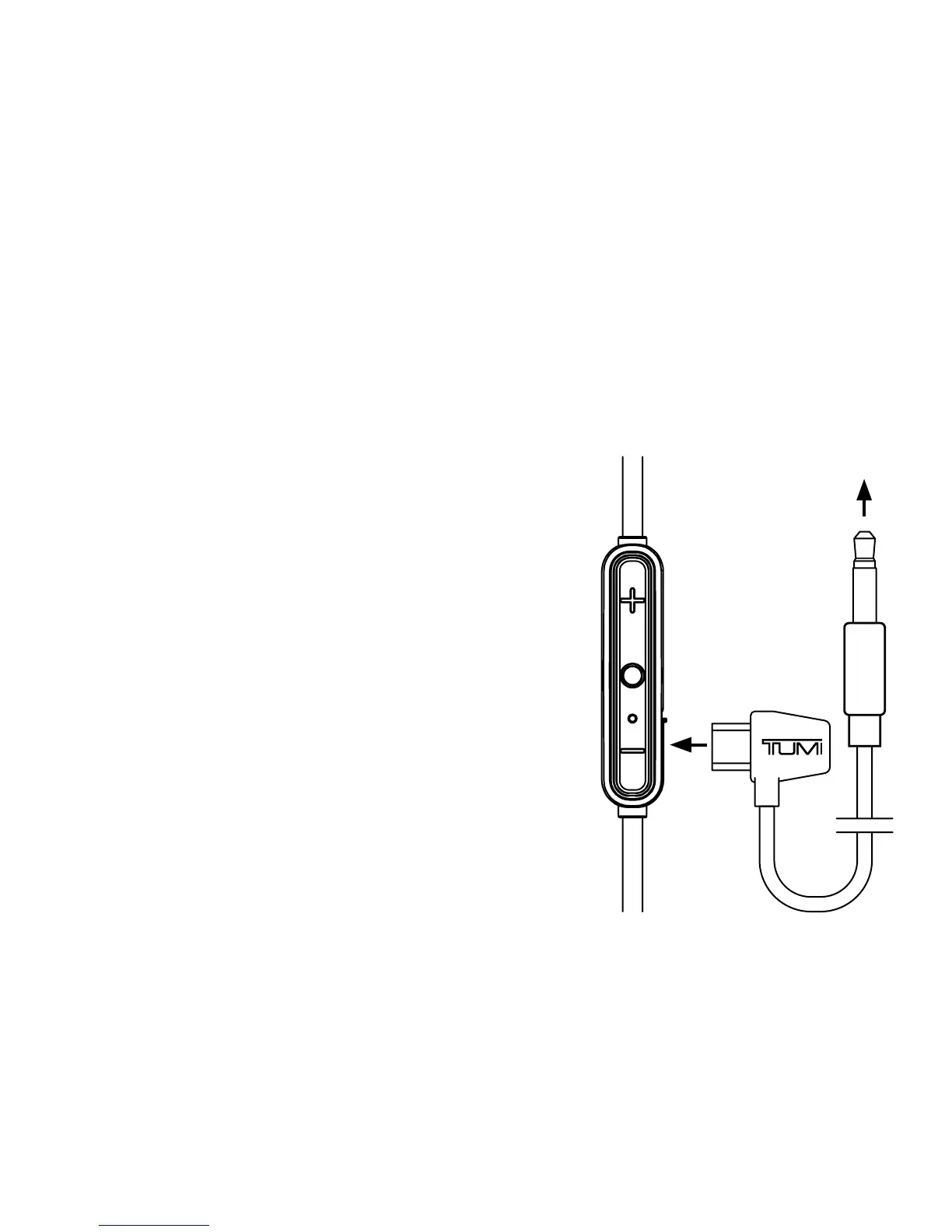
If your Earbuds lose power and will not turn
on, you can still listen to music by connecting
your Earbuds to an audio device (like a phone)
with the included AUX-Micro-USB cable.
• To complete the connection, connect the Earbuds
and your audio device with the included AUX-to-
Micro-USB cable. Plug the AUX connector end of
the cable into your Audio Device, and the Micro-
USB connector end of the cable into your Earbud
charging port located on the remote control.
• Your Wireless Earbuds should now play music
through the AUX-Micro-USB connection.
NOTE: Your TUMI Wireless Earbuds will need
minimal power to use this feature. If Earbuds
have used all available power and have not been
charged in several weeks, you may need to plug
Earbuds in for 5-10 minutes to initiate this feature.
USE EARBUDS WITH LOW /
NO REMAINING BATTERY POWER
to Audio
Device

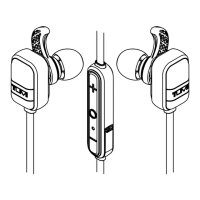

 To Next Page