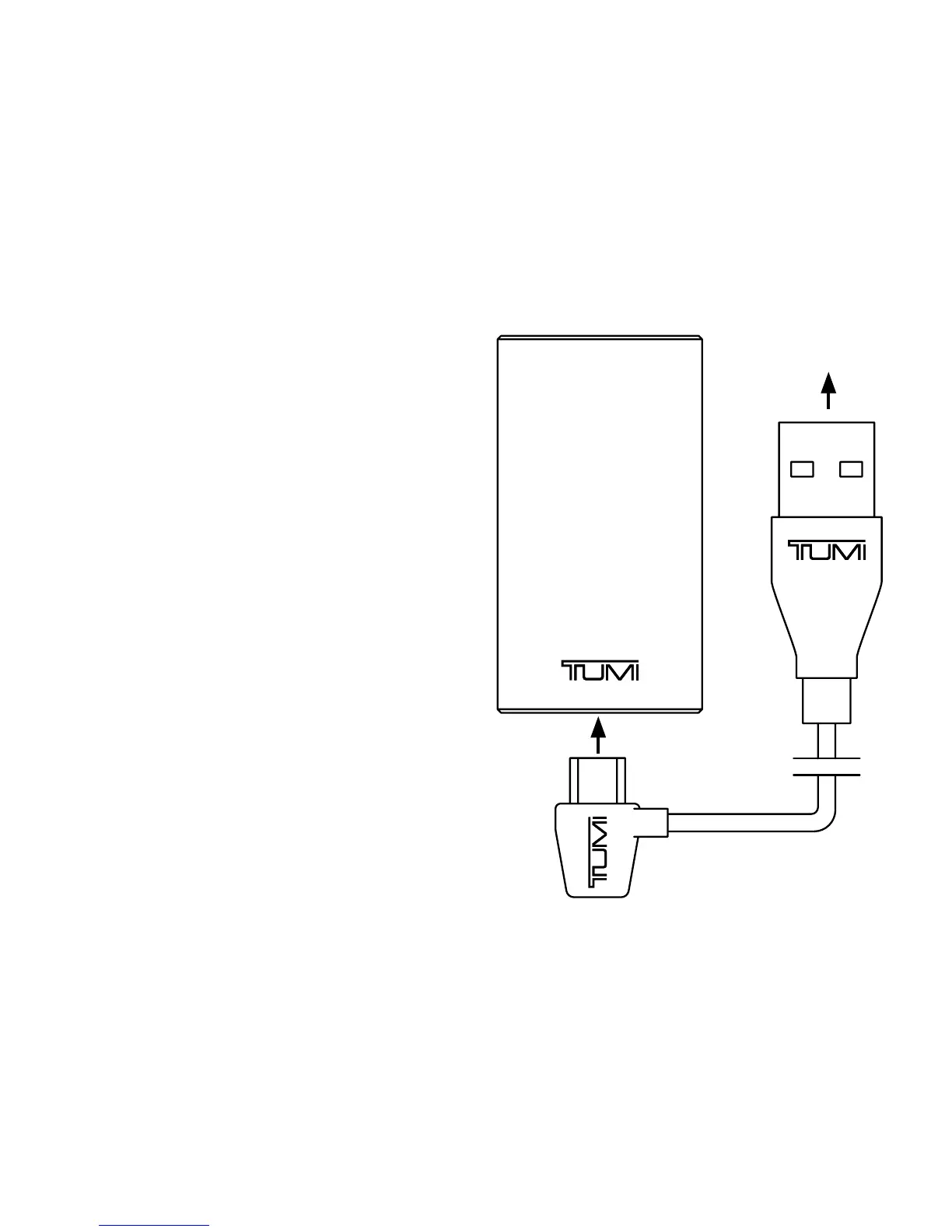
• To charge your Battery Bank, plug
the included USB-to-Micro-USB
cable into a wall power adapter (not
included) or into a powered USB port
on a computer. Plug the Micro-USB
connector end of the cable into
the Battery Bank charging port.
CHARGING YOUR
BATTERY BANK
to Computer


 To Next Page