iPhone X, XR, XS,11, 11 Pro etc. Users (Without the Physical Home
Button)
The users with the iPhone without the physical home button will be able to
trigger Siri in both Mode A and Mode B, therefore, there is no need to switch
to Mode B to trigger Siri. (Mode A is the default shipped mode).
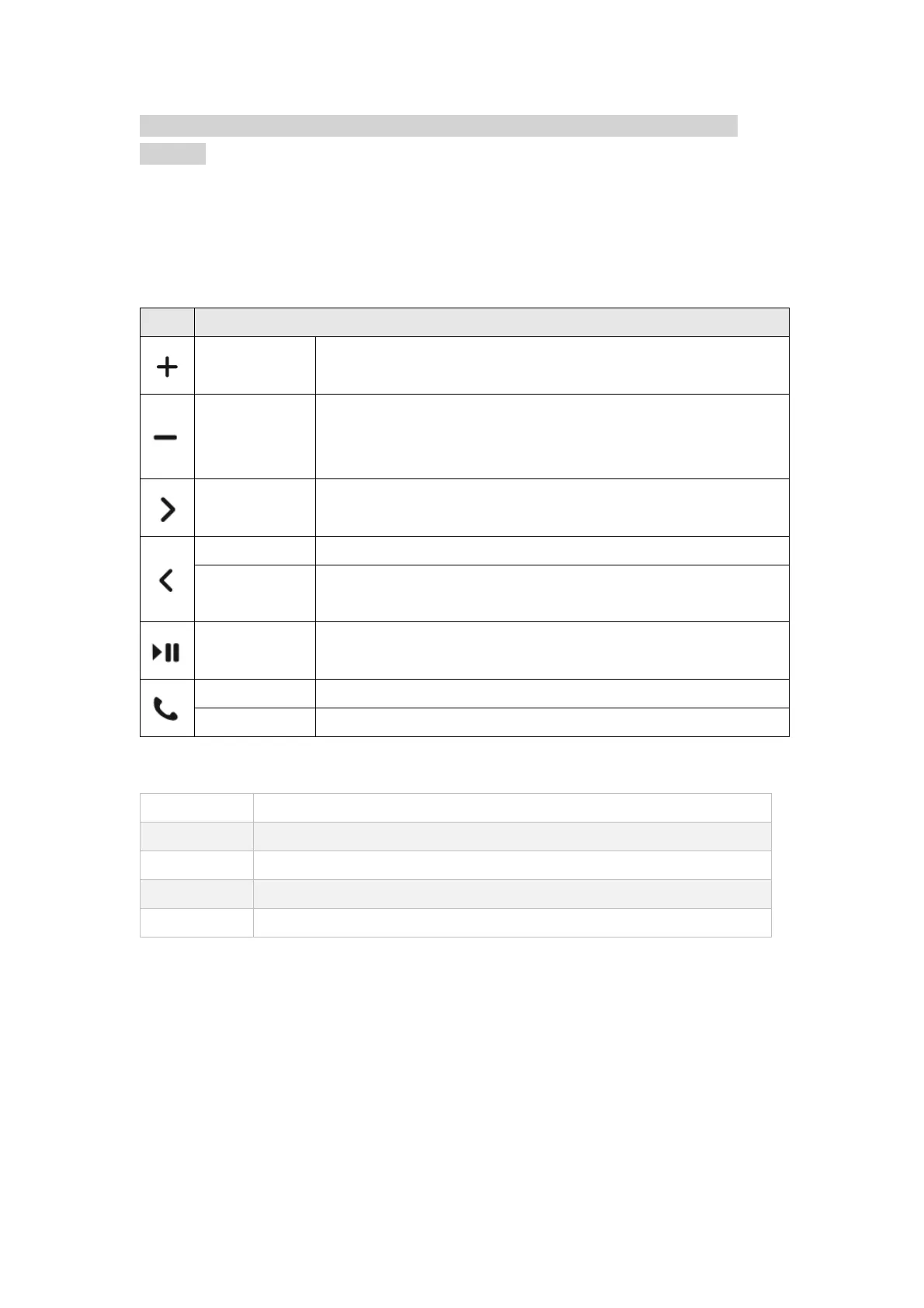
Key Description for iPhone X, XR, XS, 11, 11 Pro etc. Users
Short Press: Volume Up /Camera Shutter (When using
camera)
Short Press: Volume Down/Camera Shutter (When
using camera)
Long Press: Mute
Short Press: Next Track / Reject call
Long Press: Trigger Siri / End Call
Short Press: Previous Track
Short Press: Previous Track
Long Press: Hide / Unhide Keyboard
Short Press: Play / Pause / Answer call
Short Press: Play / Pause / Answer call
Short Press: Answer call / Home key shortcut
Voice Call App Support for iOS
Answer Call, Reject Call, End Call, Incoming Call Notification
Answer Call, Reject Call, End Call, Incoming Call Notification
Answer Call, End Call, Incoming Call Notification
Answer Call, Incoming Call Notification


 To Next Page