Page 5 of 12
Using the Tunstall Smart Hub
Making an alarm call
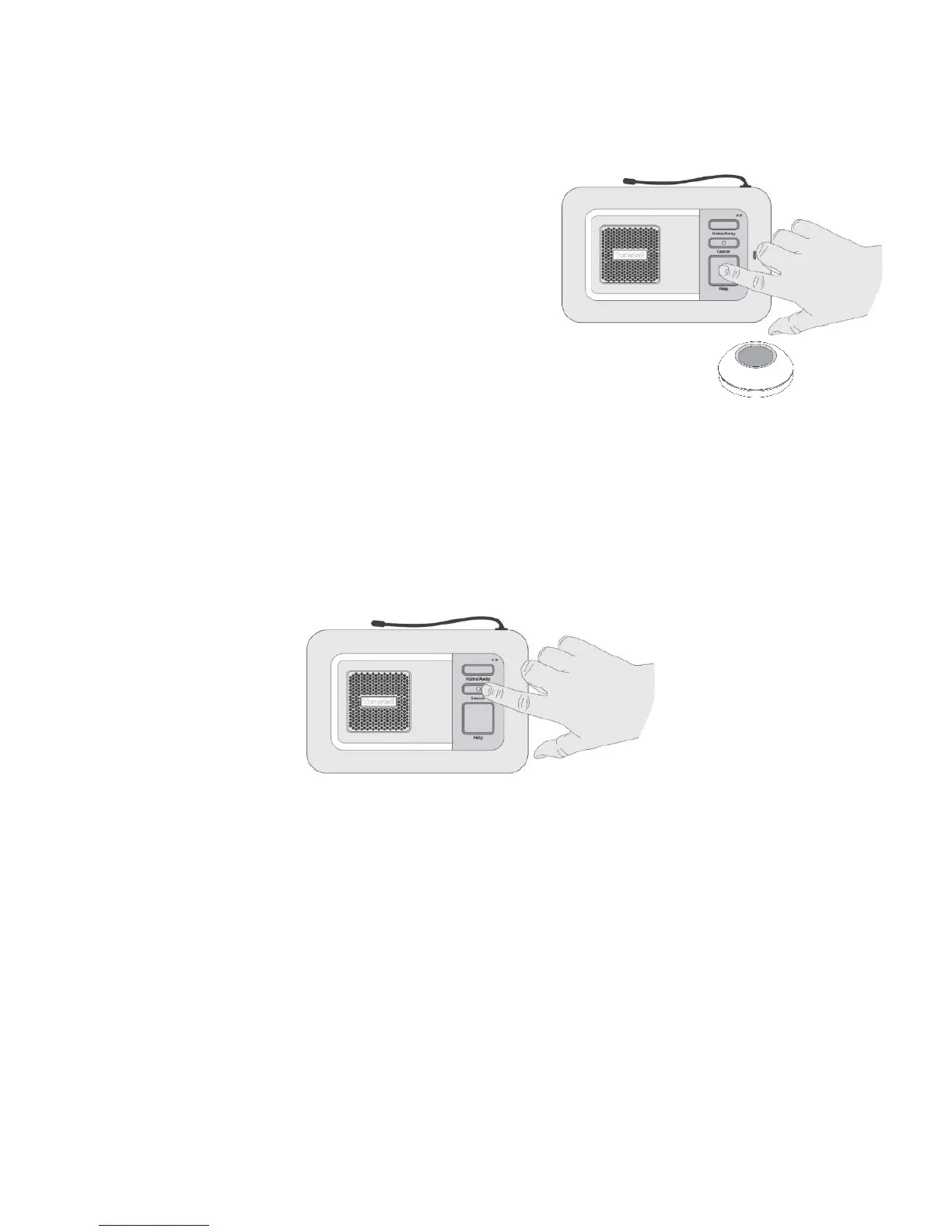
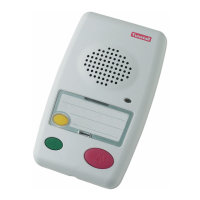
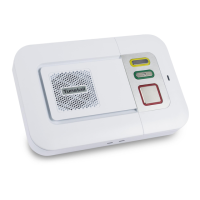
Press the button on the pendant or the red
help button on the Smart Hub. The Smart
Hub will announce, “Do not worry,
contacting assistance”. The call will be
answered by an operator at the monitoring
centre. Tell the operator why you have
generated the alarm call and they will arrange for
assistance.
Cancelling an alarm call
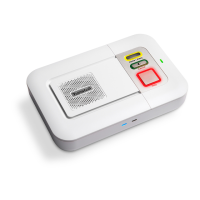
After the help button is pressed, wait 5 seconds, and then press the green
cancel button. The Smart Hub will announce “the alarm call has been
cancelled”. This in-built delay prevents accidental cancellation of an alarm.
False alarms
If you accidentally generate an alarm, please do not worry as the
monitoring centre operators are always happy to hear from you and the
raising of the alarm acts as a useful test of your Smart Hub.


 To Next Page