Page 9 of 12
Help and advice
Do’s
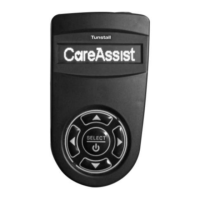
• Wear your pendant at all times.
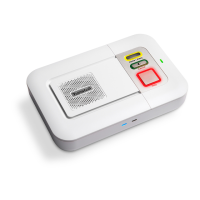
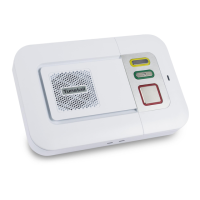
• Test your Smart Hub on a monthly basis with the monitoring centre.
• Keep the Smart Hub connected to the mains power at all times.
• Dust the Smart Hub and pendant with a soft cloth which can be
slightly moistened with a gentle detergent if required.
Don’ts
• Expose the Smart Hub to water or other liquids.
• Connect cables other than those supplied with the Smart Hub.
• Move the Smart Hub from the location that it was originally installed.
• Move objects close to the Smart Hub that are made of metal or
create lots of noise or heat, such as televisions, radios, washing
machines, microwave ovens, Wi-Fi routers, mobile phones, laptops
etc.


 To Next Page