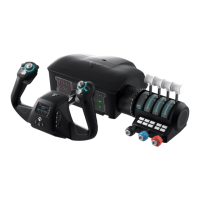
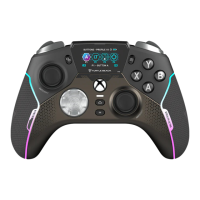
Home Screen provides an overview of the current stick configuration. It shows the current input mode, axis profile,
trim mode and orientation. It also a serves as a chronometer for timing your flight waypoints. Simply right-click the
configuration wheel to start/stop the timer and left-click the configuration wheel to reset the timer.
To access the main menu, rotate the wheel to delve deeper into the options.
FMD - HOME SCREEN
Current firmware version
Stick orientation
Input mode
Current active axis profile
Trim wheel position
Chronometer


 To Next Page
 Loading...