CONNECTING TO PC
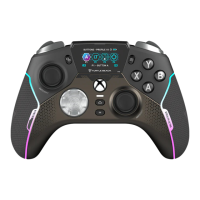
The Flightstick will be in Xbox mode by default. To switch
input modes, rotate the Configurator Wheel, then right-click
the wheel to select Input Mode. Rotate the wheel again to
select PC, and then click the wheel to set your input mode.
The mode will be stored in memory for next time you use
the controller.



 To Next Page