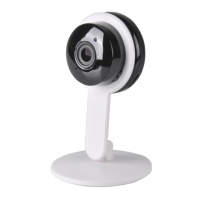
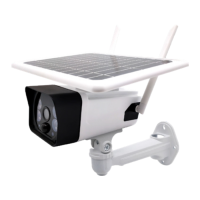
Steps2: Use the screwdriver to thread the screw through
the 90-degree notch of the iron ball bracket
Steps3: Screw the screw into the threaded hole at the rear
of the camera. The 90 degree slot can adjust the camera's
monitoring angle.
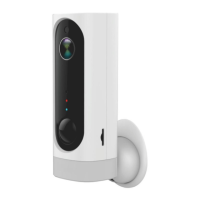
Steps4: Screw a screw into the wall and hang the camera
on the wall with the iron ball bracket.


 To Next Page