4.2 Power on the camera
Press and hold on the top Power Button for 5 seconds to
Turn on Camera (if can not power on, please plug in DC5V
1A/2A phone adapter to charge 15min first). Power
adapter is not included in packing list.
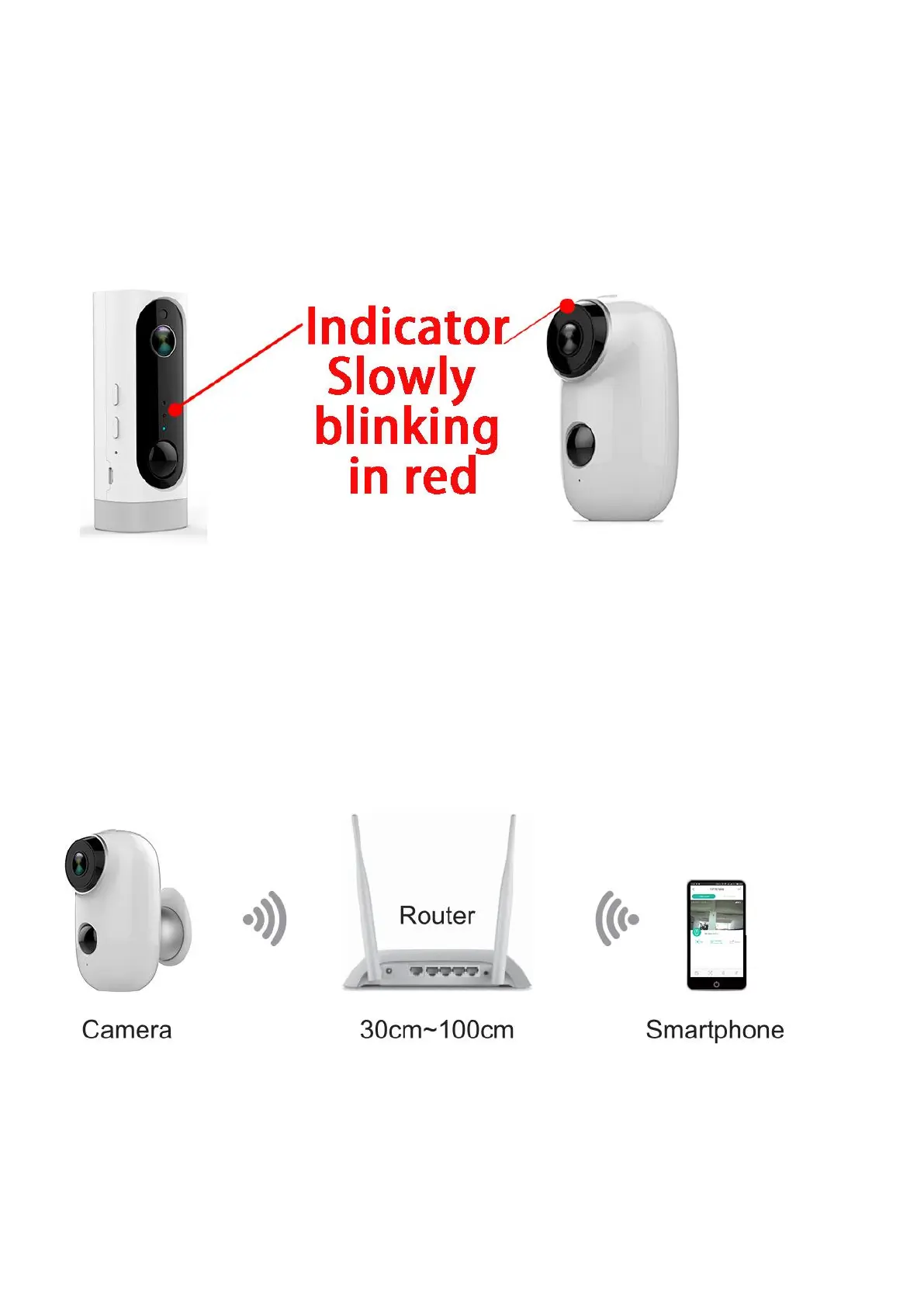
NOTE: Ensure the indicator light slowly blinking in
RED before setup WiFi
4.3 Setup Wi-Fi
4.3.1 Bring the camera and phone to the router within 1 to
3 feet (30 to 100 cm) and connect wifi.
NOTE: Please note camera only works under 2.4G
Wi-Fi, not supports 5G Wi-Fi.


 To Next Page