7
❚
DOLBY DIGITAL 5.1 AND PCM (PULSE CODE MODULATION):
Newer TVs have the option to set digital audio output to either Dolby or PCM (you can find what type of output your TV has in the
audio/sound section of your TV menu). The of TV-Boost™ Wireless Speaker System only works with PCM digital audio format. If
your TV does not support PCM audio format and can only output Dolby Digital, you will need to use a Digital to Analog converter.
Please note that some streaming services such as Netflix or other similar services will at times stream a program with Dolby
Digital audio format.
❚
CHARGING
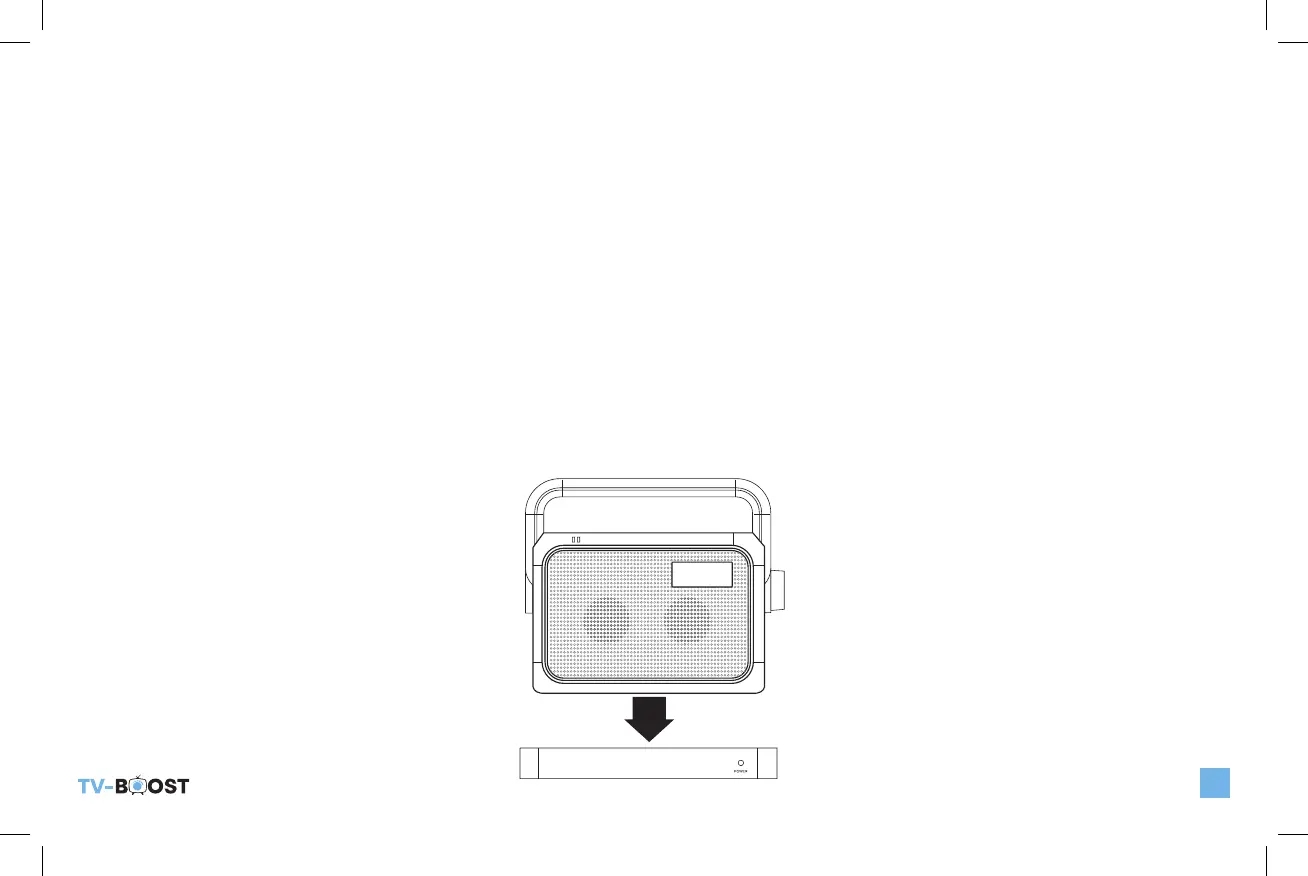
Place the TV-Boost™ Wireless Speaker on the Dock/Base as shown below for at least 6 hours before first use. During charging,
the low battery/charge LED indicator blinks. When the Placement of TV-Boost™ Wireless Speaker System
When the TV-Boost™ Wireless Speaker is fully charged, the LED will stop blinking and will stay steadily lit. A fully charged battery
will provide approximately 8 hours of listening time at moderate volume.
When the TV-Boost™ Wireless Speaker is not in use or when the low battery indicator blinks, place the TV-Boost™ Wireless
Speaker back on the Dock/Base for recharging.
POWER
LOW BATT
CHARGING
TV_Boost_B6000ManualRev2.indd 7 10/20/22 10:47 AM


 To Next Page