ENGLISH
Installation
Instructions
4
5
The headset comes pre-charged with enough battery
power for 10 minutes of use. The headset will last up to
10 hours on a full charge, depending on volume level.
A fully exhausted battery will take between 8-10 hours
to charge completely. The automatic 1-hour “Quick
Charge” feature will rapidly charge a partially drained
battery suciently for typical use, 2-4 hours.
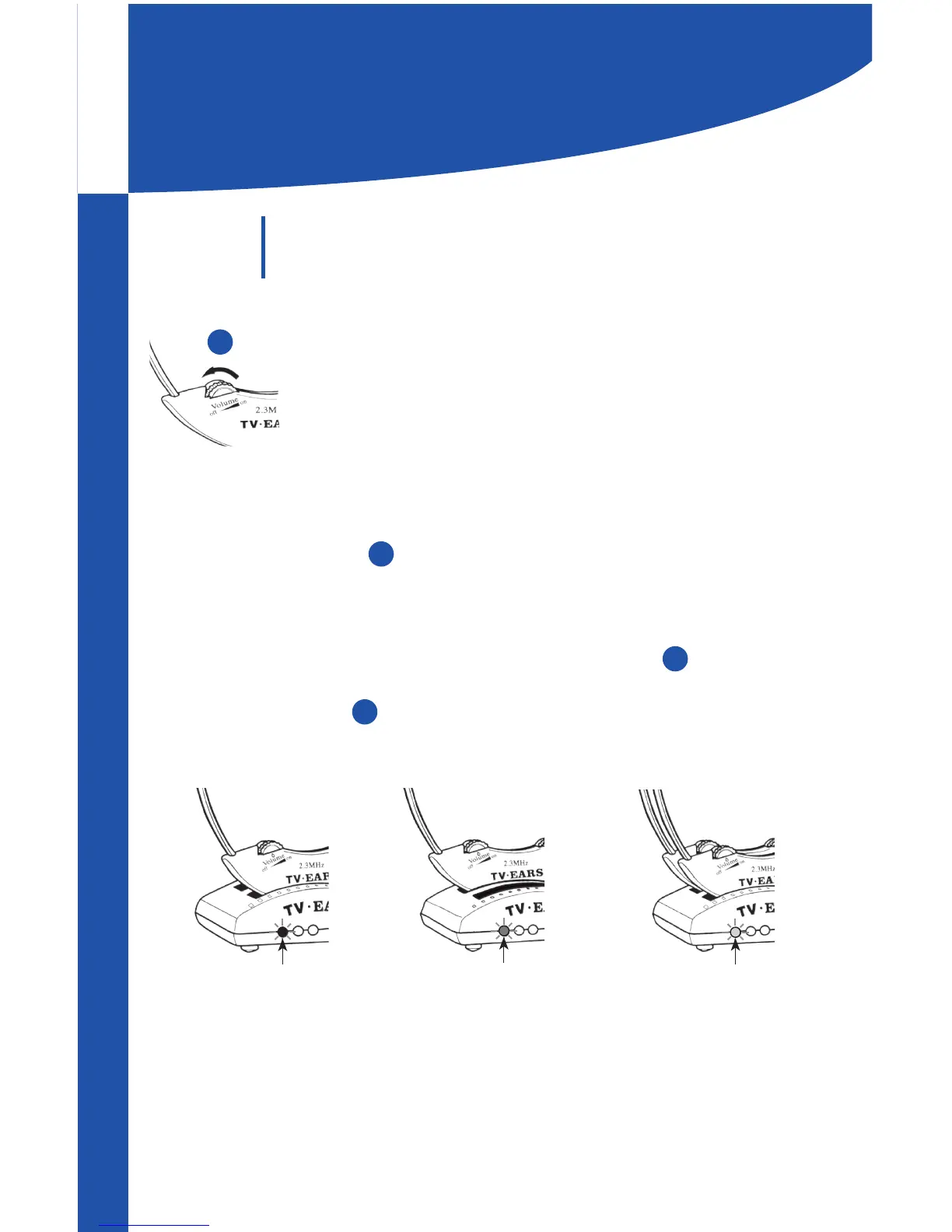
1. Turn the headset OFF by rotating the VOLUME
dial , reducing the volume until you feel or hear a
click.
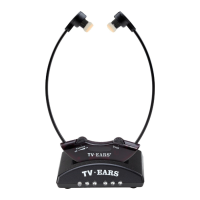
2. Place the headset in the charging cradle of the
transmitter facing forward.
3. Check to see that the charging light illuminates.
The light will glow green if the headset is placed
in the front charging cradle of the transmitter,
red if placed in rear cradle, and amber if a headset is
placed in each cradle.
TV Ears recommends storing the headset in the
charging cradle of the transmitter when not in use.
Step
3
Charging
the Headset
GREEN
Front Cradle
RED
Rear Cradle
AMBER
Two Headests
1
1
6
7


 To Next Page