Tip 3
If you do not have an Audio Out port on the back of your television set, satellite box, or
cable box and therefore do not have an Audio Out port anywhere, then use the
"Alternative Installation Kit". The Alternative Installation Kit is also helpful when traveling
with TV Ears.
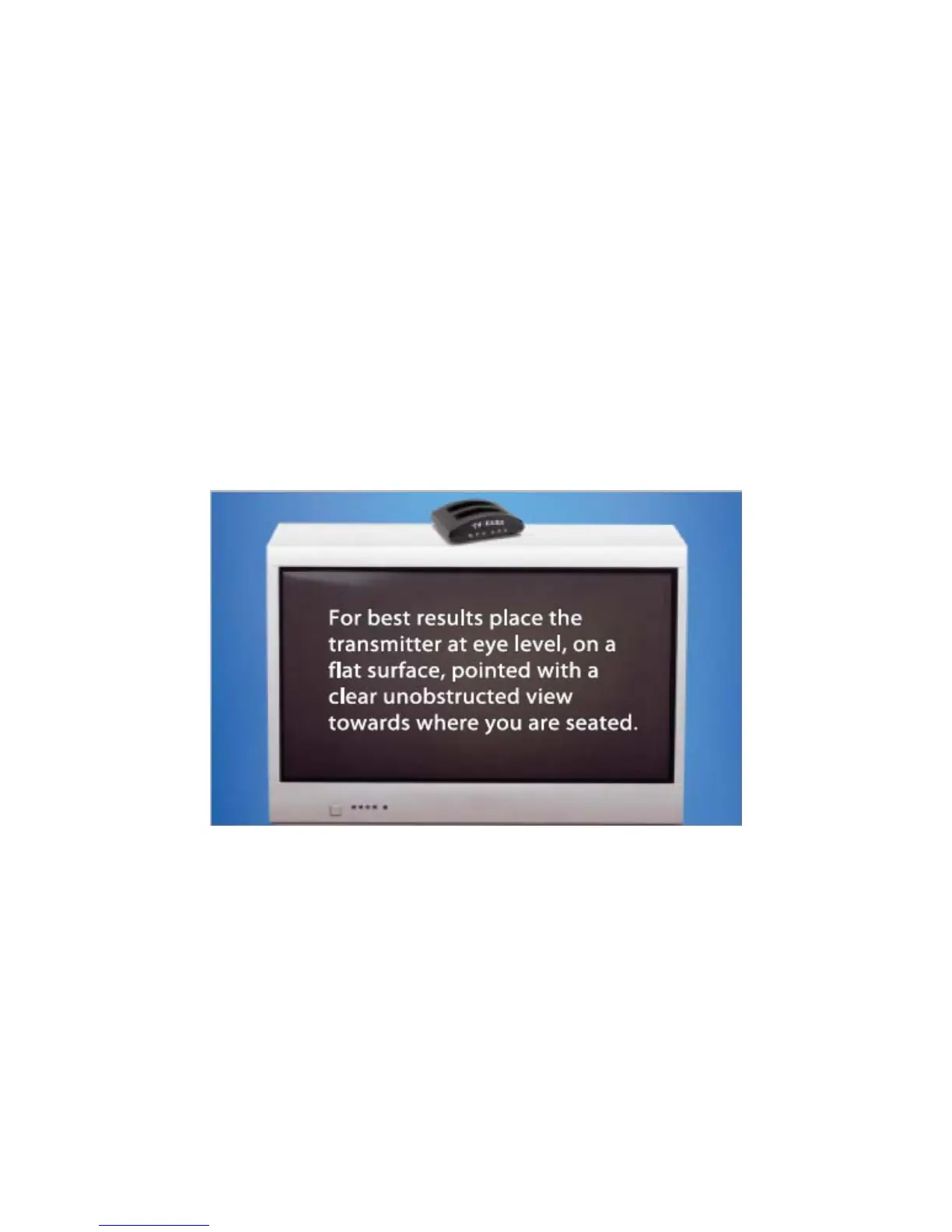
Step 4 – PLACING THE TRANSMITTER
Tip
If you experience interference, use the six foot extender cord included, to move the
transmitter outside the field of interference
. Simply plug one end of the six foot extender
cord into the audio out jack located on the back of the transmitter and the other end into the
single end of the audio cord.



 To Next Page