Basic Operations
10.3 DVR Configuration
Set up digital video recording
1. Turn ON/OFF timeshift
2. Set record type: TS/PS
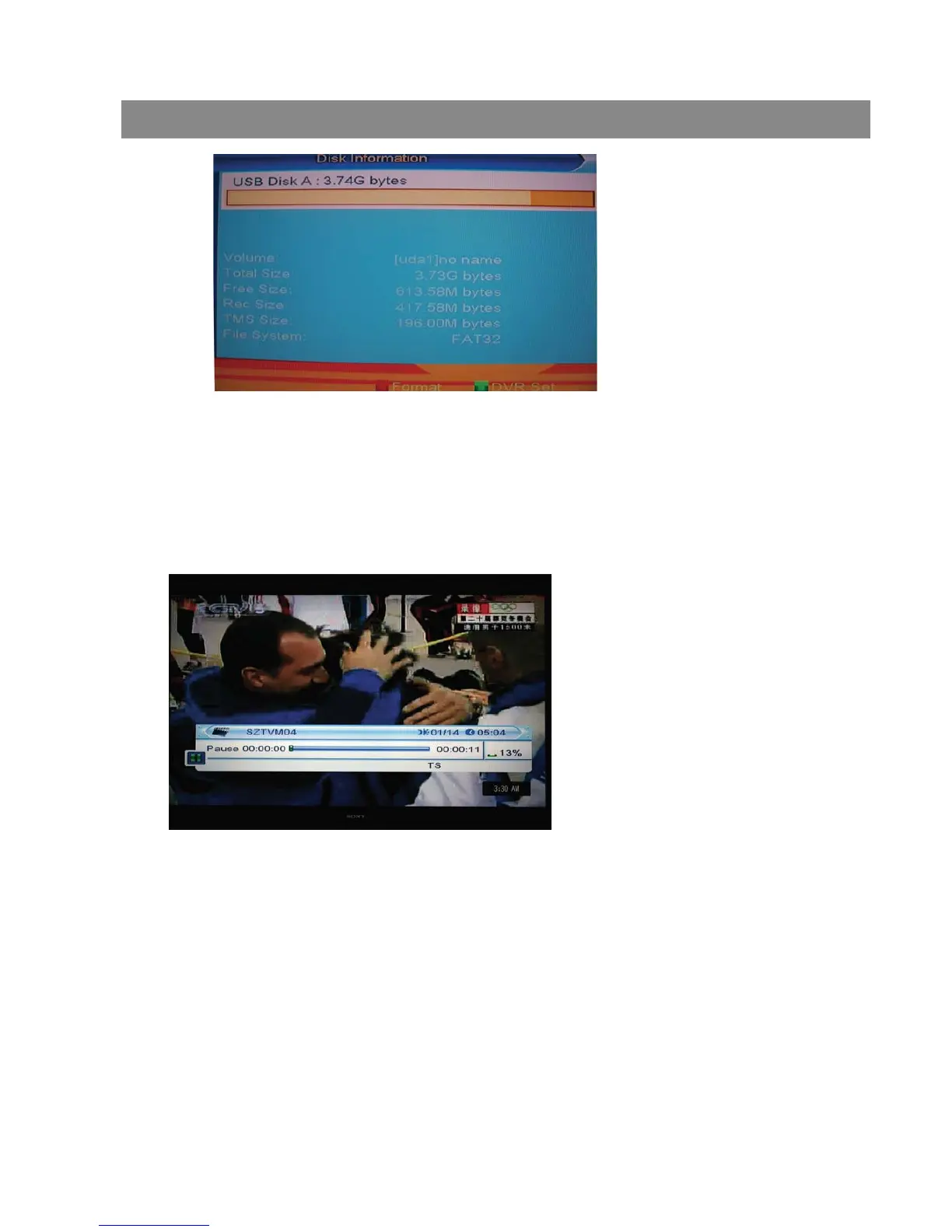
1 Press [PAUSE] key to see time shift OSD as below:
2 You can press [Left/Right] to move the slide to left or right. Press [OK] key
to play the point where the slide is.
3 You also can press [Pause] /[fast back]/[slow /back] can realize these function.
Then it will enter the mode which is playing the recorded program on HDD.
(like the picture below) Then you can do pause, fast forward, fast back, slow
forward, and slow back.
10.3.1 Timeshift
10.3.2 Record


 To Next Page