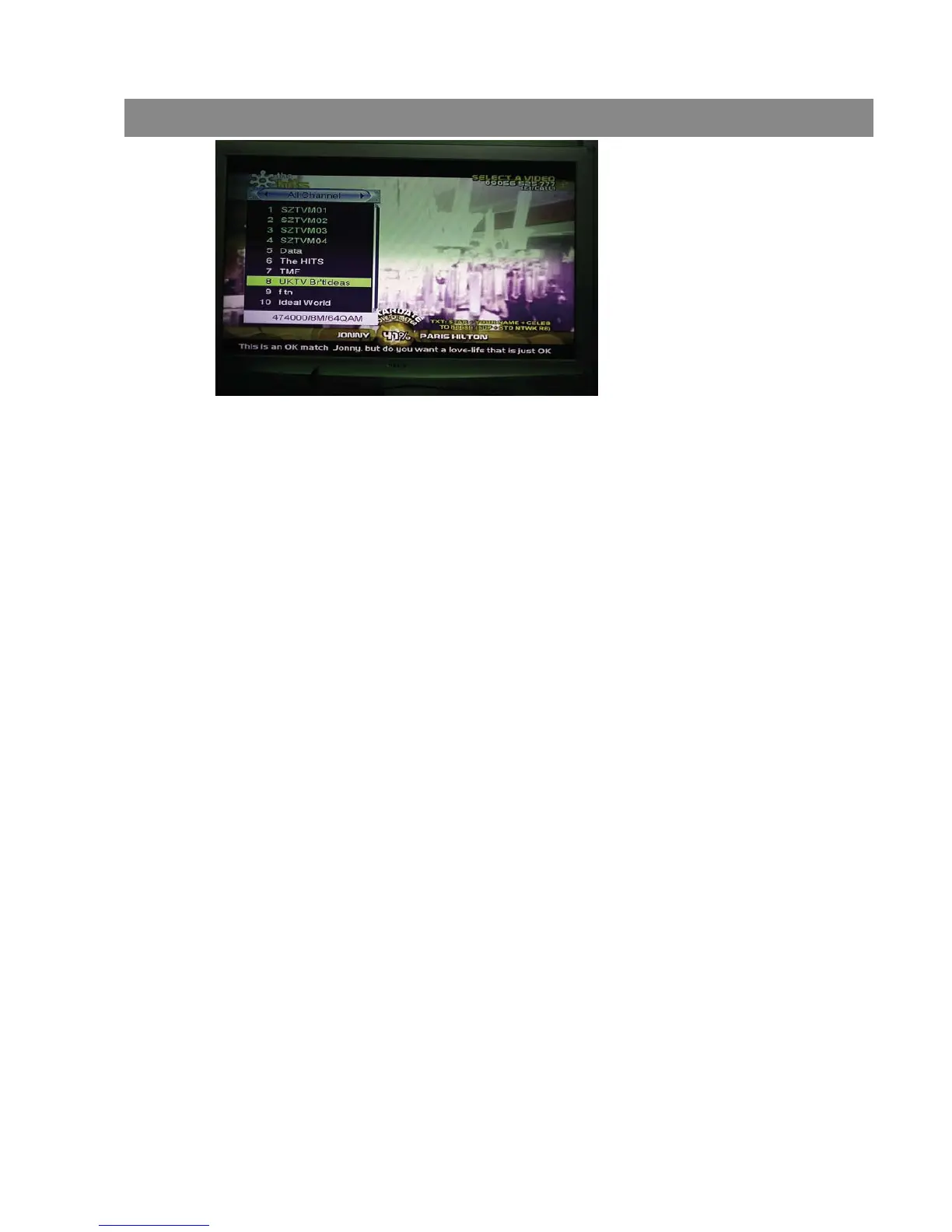
11.17 Page Up/Page Down
1 In Channel list, press [Page+/Page-] key can page up and page down
the channel list.
11.18 Record
1 Press [Record] key can record current program to USB disc. The
default record duration is 2 hrs.
2 Press [Record] key again can input record duration.
11.19 PLAY
Press [PLAY] key can change to normal playback mode while other trick
mode is enabled such as PAUSE, Forward or Reverse.
11.20 Pause
1 In playing mode, press [Pause] key, the picture will be paused, but the sound
of the channel will still continues.
2 Press [PAUSE] key again, the screen’s picture will skip over to the current
playing picture, and the sound of the channel will correspond playing.
3 In playing mode, press [Pause] key, the picture will be paused, but the sound
of the channel will still continues.
4 Press [PAUSE] key again, the screen’s picture will skip over to the current
playing picture, and the sound of the channel will correspond playing.
11.21 STOP
1 In the time-shift mode, press [STOP] key can stop time-shift play and
comeback to life position.
2 When recording, press [STOP] key will list the recording programs. Press
[STOP] again will stop recorder.
3 When playing recorded file from record manager, press [stop] key will stop
playing file and comeback to record manager menu.
Basic Operations


 To Next Page