34
BT PAIRING
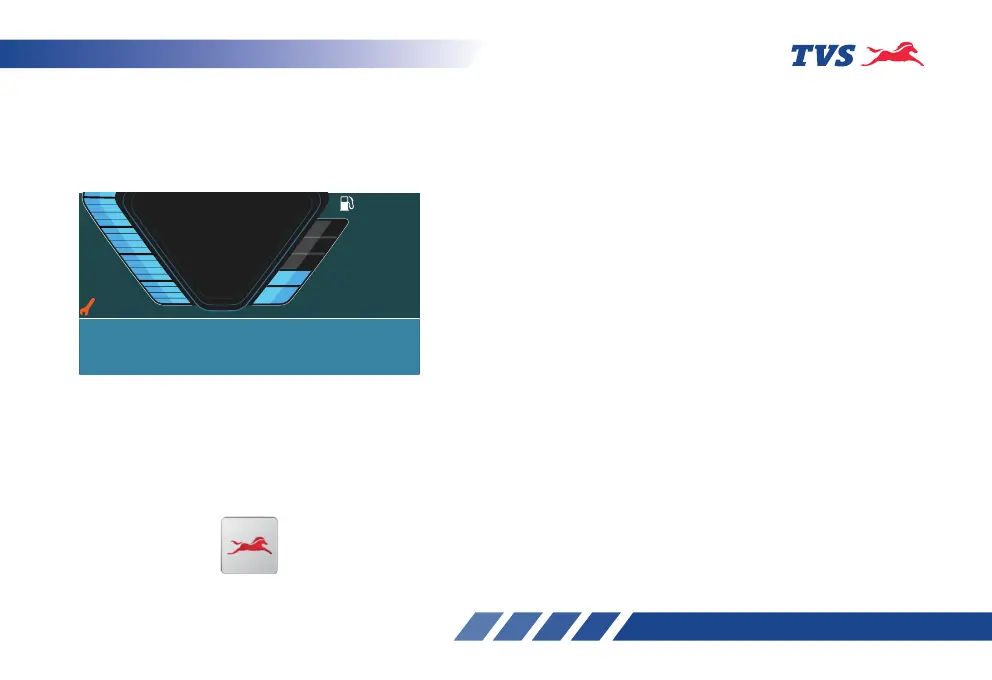
On every ignition ‘ON’ the instrument cluster enters
automatically into Bluetooth pairing and the Bluetooth
pairing code will be displayed in the speedometer dial
as shown below:
The connected instrument cluster of your TVS Raider
125 can be connected to your Android™ smart
phone and iPhone
®
via Bluetooth
®
through a TVS
CONNECT app which can be downloaded from
Google Play store and the App Store
®
.
1
0
3
2
45
km/h
E
F
2:45
PM
AV
85
Brightness Increased
No bluetooth device paired.
Please initiate connection from the TVS Smart Connect mobile
application to TVSRDXXXXXX (Speedo Name)
TVS CONNECT
First time Bluetooth paring:
To pair your Android smart phone or iPhone with your
TVS Raider 125’s connected instrument cluster, via
Bluetooth, for the first time, follow the procedure as
described below :
1. Switch ‘ON’ the vehicle.
2. Speedometer can be in any mode for first time
pairing.
3. Open the app and press the ‘CONNECT’ tab,
ensure the smart phone is near to the vehicle.
4. The app searches for all Bluetooth devices near
by and displays the list of devices available.
5. The connected instrument cluster’s Bluetooth
name is prefixed by TVSM and followed by
alpha-numeric digits. Ex : ‘TVSRDXXXXXX’. This
Bluetooth name can be found in the speedometer
dial after turning the ignition ‘ON’.
6. Now, select the ‘TVSRDXXXXXX’ in the app to
initiate the pairing process.
7. On pairing, the TFT display of connected
instrument cluster displays a message ‘Bluetooth
device paired’ along with the name of the phone
(if set) for 3 secs.














 To Next Page