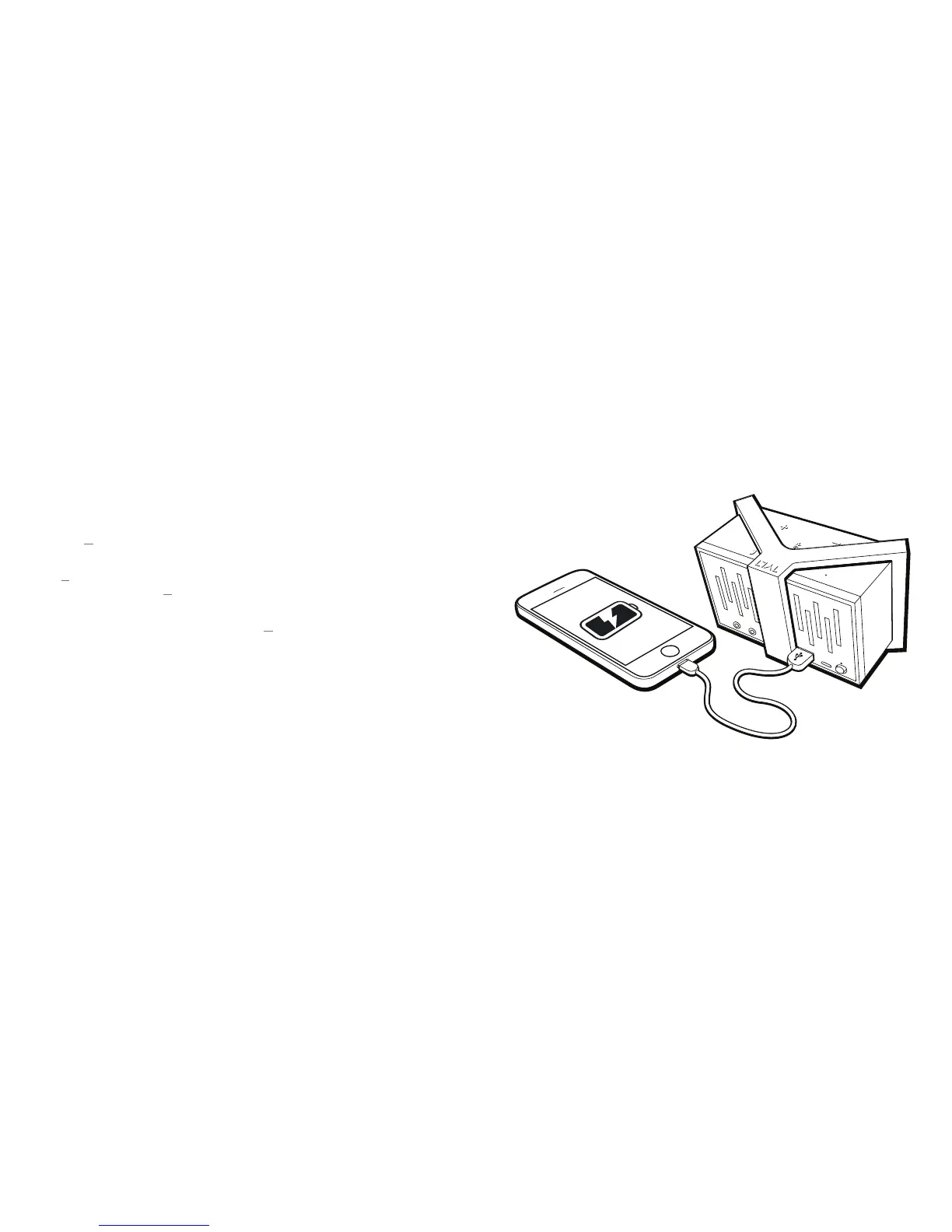
CHARGING YOUR DEVICES
The ENERGI power system can also be used as a charger
for many mobile devices, including most phones and music
players*. TUNZ must be powered ON to charge devices.
To charge your device, just plug the standard USB end its charging cable
into TUNZ ’s Charging OUTPUT, or if your device is Micro USB, you can use
the cable included with TUNZ .
You can even charge the speaker and your devices at the same time.
Device charging is available until the TUNZ’s battery
reaches 50%, at which point Charging OUTPUT is disabled
to preserve music playtime. Charging will become available
again when your speaker is recharged to at least 75% full.
*Note that with some newer tablets (such as the Samsung Galaxy) you may see a
red “X” on the device screen if charging at lower amperages. This does not mean
the device is not charging.


 To Next Page