8
BLUETOOTH
®
You can connect wirelessly to Bluetooth
®
devices by following these simple steps:
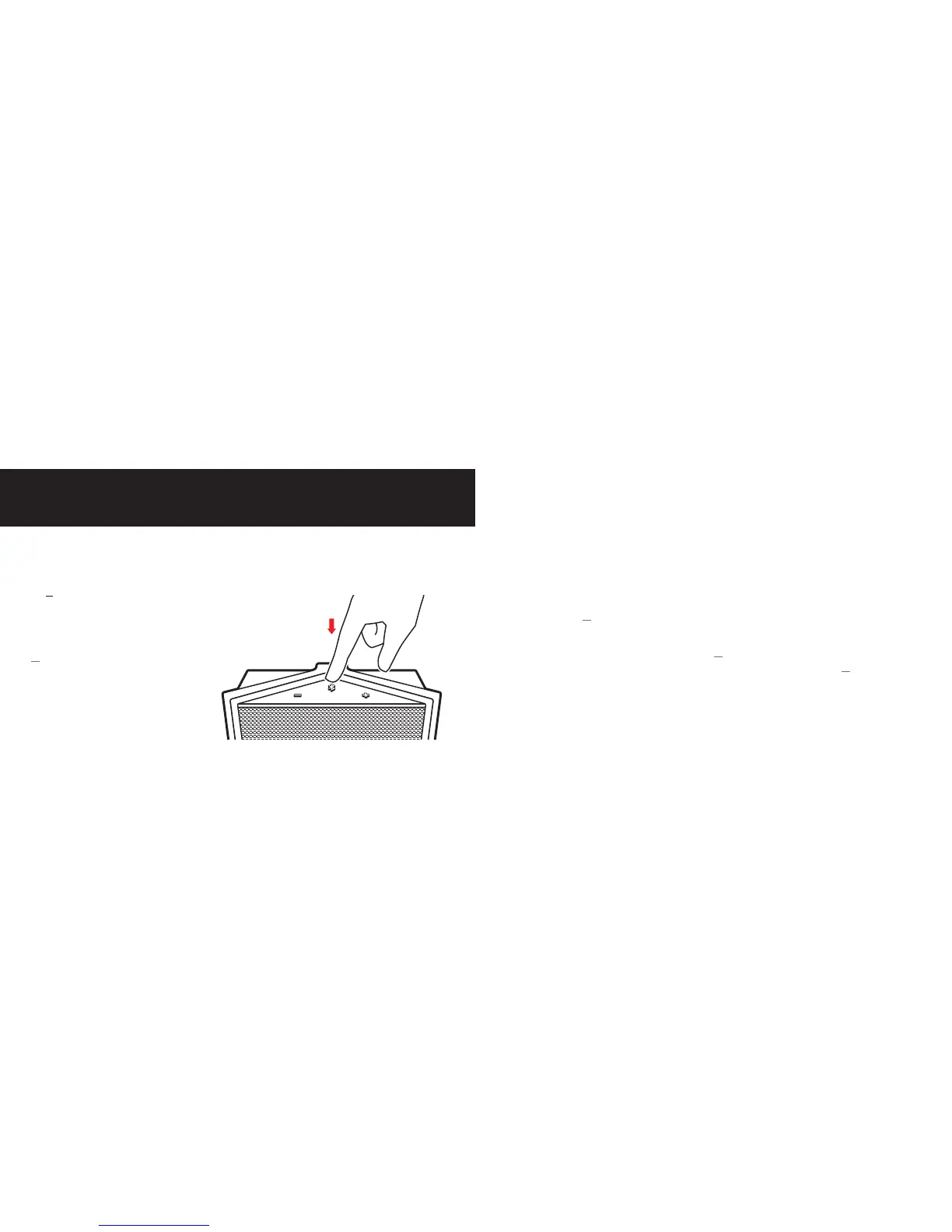
On TUNZ:
1) Press and hold the
multifunction button
for 6 seconds
TUNZ will announce that Pairing
Mode has been activated and
the LED Status Light will flash
alternating red and blue
WIRELESS CONNECTION
On the device you want to connect:
1) Turn on Bluetooth
®
2) Follow the Bluetooth
®
pairing instructions that came with your device,
and select “TYLT TUNZ” when it appears
3) If asked to enter a passcode, enter “0000”
Once paired, TUNZ will tell you that it is connected and the LED Status light
will change to solid blue.
You only need to pair each device to TUNZ once. Repeat the Bluetooth
®
connection process for additional devices you want to use. TUNZ can
remember up to 8 paired devices. It will automatically reconnect to the last
connected device when powering ON or when it returns to operating range.


 To Next Page