Doc No. FM0637 issue E Page 4
Registering a Pendant onto an Altec Response local carer alarm unit
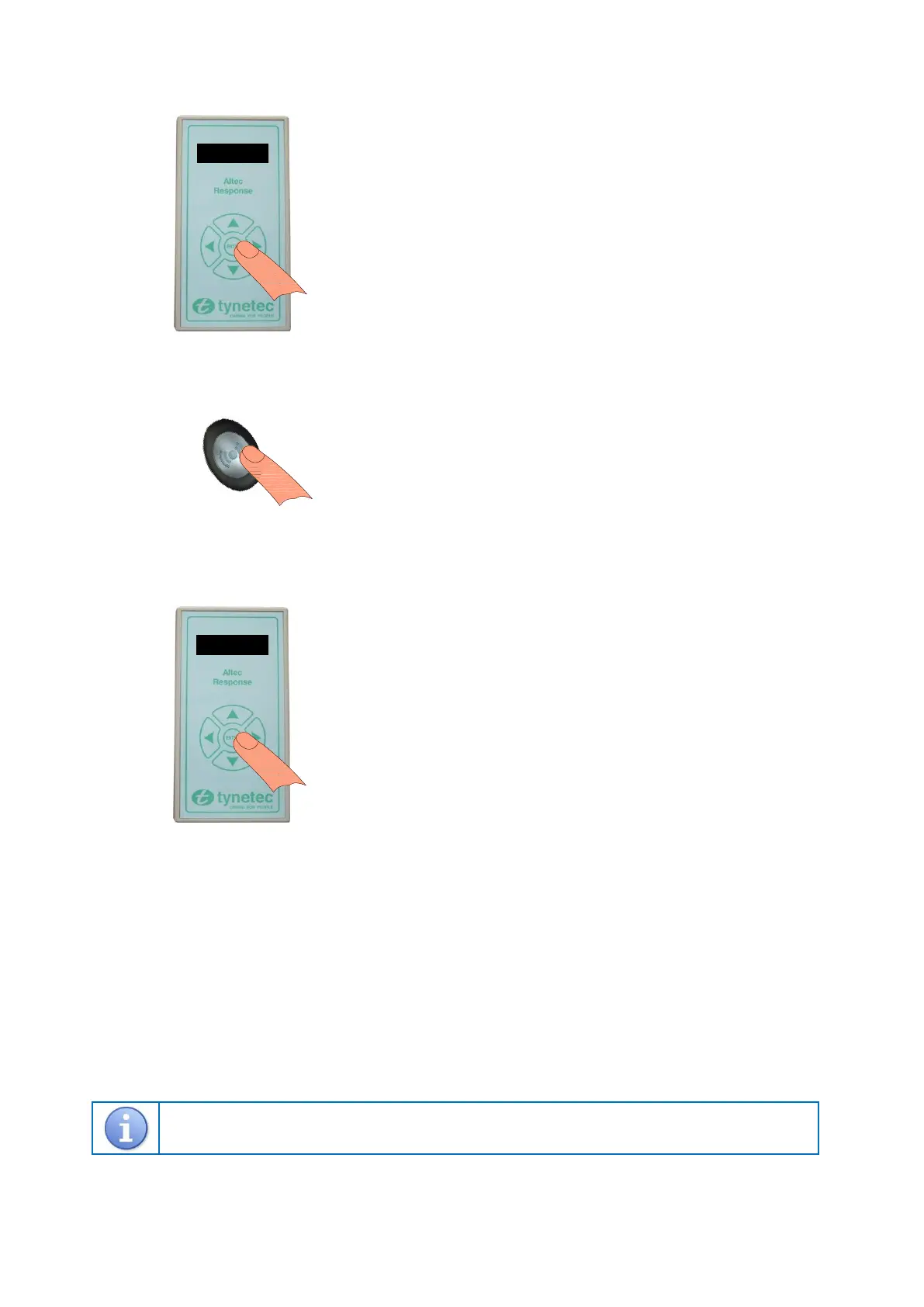
1. Put the Altec Response unit into radio device learn mode…
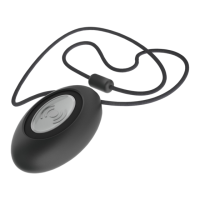
2. Activate the pendant…
3. Exit the Altec Response radio device learn mode…
4. Activate the pendant and check a pendant alarm call is displayed on the Altec Response unit.
Deleting a Pendant from an Altec Response local carer alarm unit
Press ENTER to activate the wake-up display then ENTER again to display the main menu
Press ENTER to select Radio Devices
Press the key to select Delete Device then press ENTER
The display will prompt you to “Trigger the Sensor”
Activate the pendant to be deleted - the display will show the device type and its 8 digit ID number
If this is the device you activated press the key to select Delete then press ENTER
If it’s NOT the device you activated press the ENTER key to select Reject then try again
To exit the mode select Exit then press the ENTER key.
Refer to the Altec Response installation guide (Doc No. FM0548) provided with the portable alarm unit for
more information on programming and testing radio devices.
Press the SILVER button once, the light will flash RED for several seconds.
The display will show Personal Pendant and the pendant 8 digit ID number.
Check the ID is correct, press the key to select Accept then press ENTER.
Note: if another device has been picked-up press ENTER to Reject and try again.
The display will show Flat , use the & keys to choose the dwelling type.
Press the key to select No: 000000 then press the ENTER key.
Use the & keys to select each digit of the flat number and the & keys
to move between digits then press the ENTER key.
Press key several times to select Exit then press the ENTER key.
The display will prompt you to “Trigger the Sensor” again.
Press ENTER to activate the wake-up display then ENTER again to display
the main menu.
Press ENTER to select Radio Devices
Press ENTER to select Learn Device
The display will prompt you to “Trigger the Sensor”.
You now have 20 seconds to activate the pendant.
From the Learn Device menu select Exit then press ENTER.
From the Radio Devices menu select Exit then press ENTER.
The display will return to the wake-up screen and go blank after 10 seconds.
The Altec Response is now back in normal operating mode.


 To Next Page
 Loading...