5
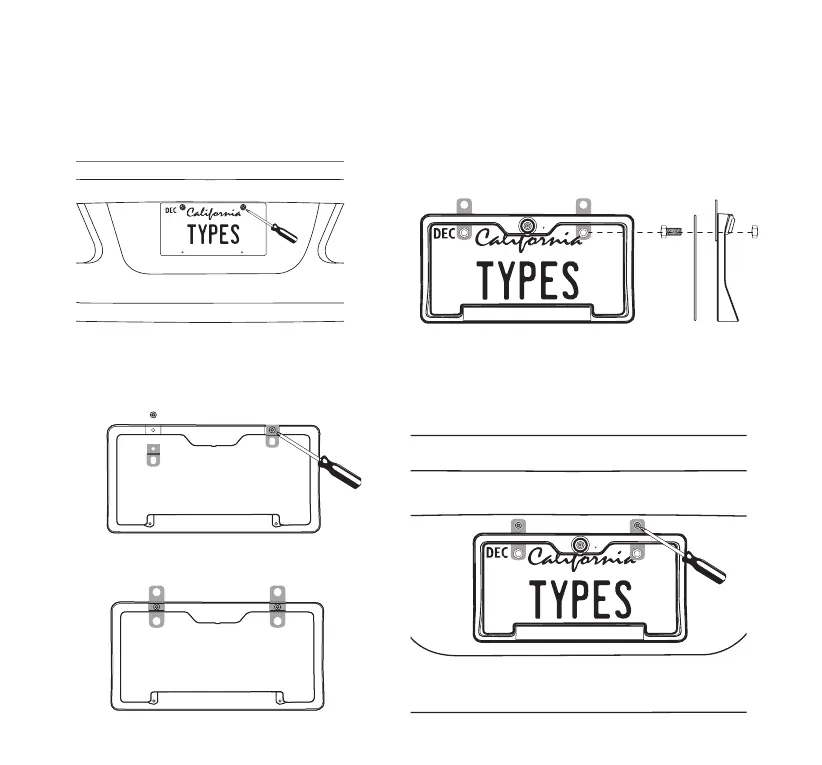
B LOWERING INSTALLATION FOR VEHICLES WITH TRUNK OR HATCH DOOR RELEASE
1. Unscrew and remove your license plate.
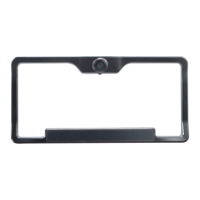
2a. Unscrew and detach the original
Mounting Tabs from the back of the
Solar Wireless Backup Camera.
3. Install the license plate onto the Solar Wireless
Backup Camera with the Mounting Screws &
Nuts.
4. Secure the Solar Wireless Backup Camera
with the license plate back onto the rear of your
vehicle.
2b. Install the Two Way Mounting Tabs onto
the Solar Wireless Backup Camera.
(This allows more clearance for nger tips to release door latch)


 To Next Page