8
E. Output / Input / Car Battery Charging Mode
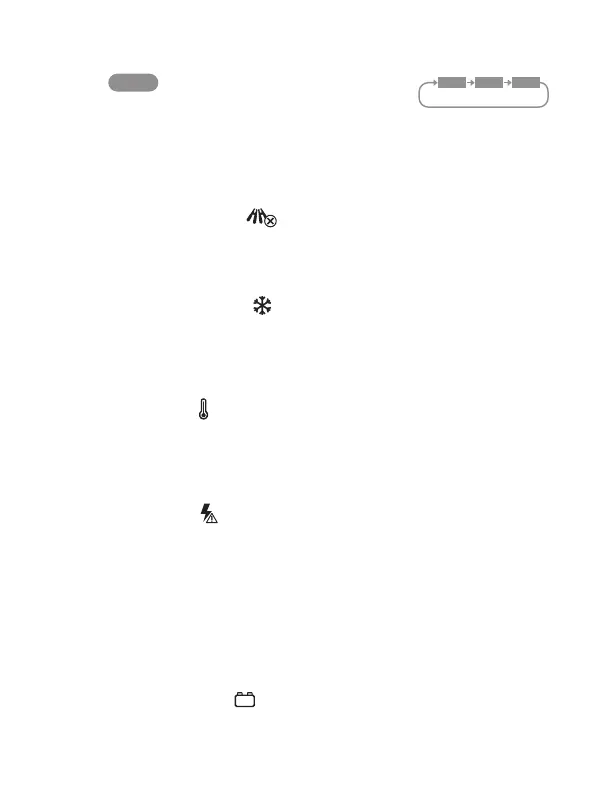
Shows the status of power output, power input or car battery charging modes.
Press button to switch modes.
CAR mode will be shown once 6V/12V car battery
is connected.
F. Current AC Output
Shows current AC power output level in watts.
G. Current DC Input / Output
Shows current DC power input / output level in watts.
H. Reverse Polarity Indicator
In car battery charging mode, if the battery clamps are wrongly connected with
the vehicle’s battery terminals, the Reverse Polarity Indicator icon will pop up on
the LCD display in RED. Please disconnect the clamps from the car battery and
reconnect the clamps to the appropriate battery terminals on the vehicle.
I. Low Temperature Indicator
Indicates the battery temperature of POWERGEN 500 is too low (charging
below 32°F or discharging below -4°F). All inputs and outputs will stop
functioning at this state. Please bring the POWERGEN 500 to a warmer location
and wait for the battery temperature to be within the working range
32° - 104°F (0° - 40°C) before restarting the POWERGEN 500.
J. Overheat Indicator
Indicates the battery temperature of POWERGEN 500 is too high (charging
higher than 113°F or discharging higher than 158°F). All inputs and outputs will
stop functioning at this state. Please bring the POWERGEN 500 to a cool
location and wait for the battery temperature to be within the working range
32° - 104°F (0° - 40°C) before restarting the POWERGEN 500.
K. Overload Indicator
PopsupandasheswhenthepowerpulledfromtheACoutletsreaches820W
or total output reaches 1020W. When the AC outlets reach 850W or total output
reaches 1050W for 2 seconds, the AC outlets will turn off immediately. Remove
the device causing the overload and reset the AC button to resume operation.
Other ports will continue to work.
When the power output from DC, AC sockets, the car power outlets and car
battery charger exceed the maximum power output of the battery, the overload
indicatorwillpopupandashfor5seconds.ThePOWERGEN500willshut
down automatically. Remove the device(s) causing the overload and restart the
POWERGEN 500 to resume operation.
L. Low Car Battery Voltage
IconpopsupandasheswhenthePOWERGEN500detectsthevehicle’s
battery voltage (0.5-3.75V) is too low when connected.
MODE
Press once to switch
“OUT”,“IN”,“CAR ” mode
OUT IN CAR


 To Next Page