16
6. Date and TYPE S Logo Stamp
Enable or disable the Date and TYPE S Logo Stamp. When set to ON, the date and TYPE S logo will
be displayed on all recorded media les.
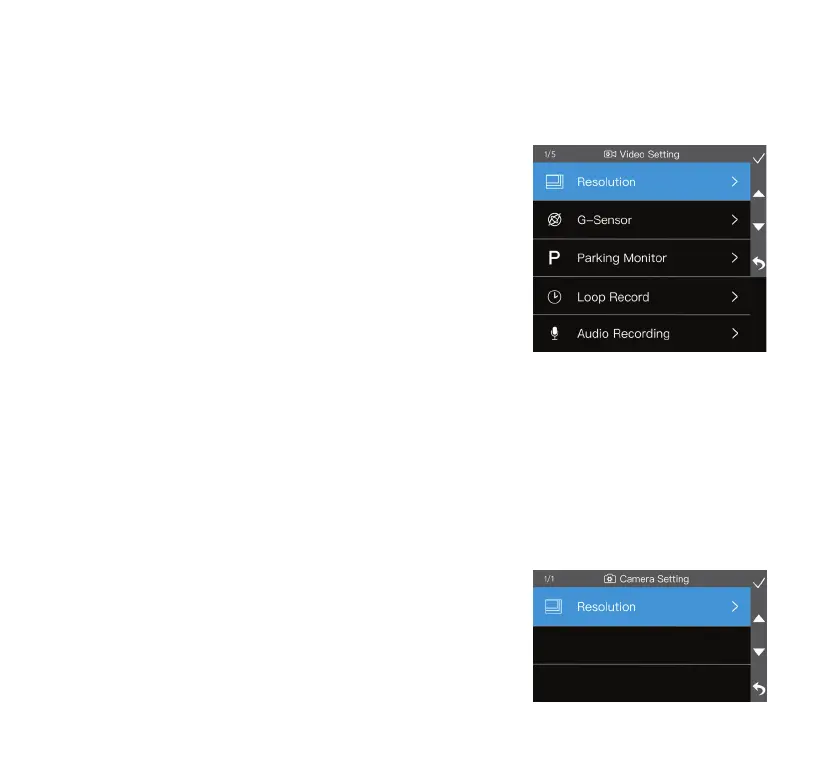
Video Setting
1. Resolution
Switch video resolution between 2K (1440P) and FHD (1080P).
NOTE: The resolution of the rear camera is xed at 1080P.
2. G-Sensor
Adjust the G-Sensor sensitivity between High, Mid, Low and OFF.
When the G-Sensor detects a sudden impact such as a collision,
it'll automatically lock and store the footage in the Event folder
so that it doesn't get overwritten by the loop record feature.
3. Parking Monitor
Parking Monitor On/O. The Parking Monitor function allows the dashcam to record videos when
an impact is detected while the vehicle’s engine is o. The dashcam will power on automatically and
record a 20-second video clip then shut down.
NOTE: Feature only available when the dashcam is hardwired to the fuse panel. Hardwiring kit not included.
4. Lo op Rec ord
Select the duration of each recorded footage between 1 minute, 3 minutes and 5 minutes. Oldest
and unlocked les will be overwritten once the storage limit is reached.
5. Audio Recording
Audio Recording On/O. This feature enables the dashcam to capture sound during recording.
Camera Setting
1. Resolution
Select photo resolution between 8M (3840 x 2160) and 5M
(3072 x 1728) and 2M (1920 x 1080).



 To Next Page