Parameters setting
05
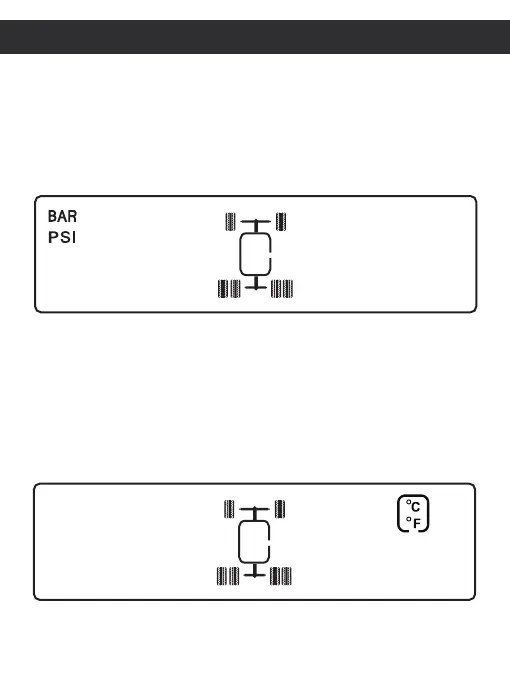
Pressure unit setting
In the standby interface,press and hold SET to enter into the setting mode,
press + to select to "BAR PSI" interface ,press SET then press + or - to select
pressure unit you want. And press the SET to confirm setting,finally press and
hold SET for 3 seconds to save the setting and exit to standby.
Temperature unit setting
In the standby interface,press and hold SET to enter into the setting mode,
press + to select to "℃ ℉" interface ,press SET then press + or - to select
pressure unit you want. And press the SET to confirm setting,finally press
and hold SET for 3 seconds to save the setting and exit to standby.
Pressure unit setting interface
Temperature unit setting interface


 To Next Page