Parameters setting
07
High pressure alarm value setting of
the second axle
In the standby interface,press and hold SET to enter into the setting mode.
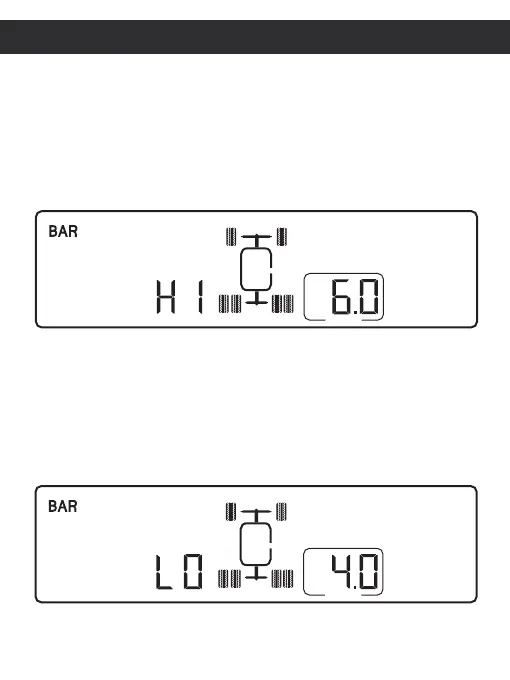
Press + to select to setting interface "HI" on second axle as below.Press SET
then press + or - to select high pressure alarm value you want. And press SET
to confirm setting ,inally press and hold SET for 3 seconds to save the setting
and exit to standby.
Low pressure alarm value setting of
the second axle
In the standby interface,press and hold SET to enter into the setting mode.
Press + to select to setting interface "LO" on second axle as below .Press SET
then press + or - to select low pressure alarm value you want. And press SET
to confirm setting ,finally press and hold SET for 3 seconds to save the setting
High pressure alarm value setting interface of the second axle
Low pressure alarm value setting interface of the second axle


 To Next Page